Most first home theater builds go wrong in the same order. The gear gets bought, then the room gets measured, and by then the projector is already on the truck. A home theater projector setup is geometry first and shopping second. Throw distance sets your screen size, screen size sets where the front speakers land, seating distance sets how large the image can be before it stops looking sharp, and the length and quality of the cable run decides whether any of it works reliably. I spent eight years on a big-box install crew before going independent in 2019, and the pattern has not changed: the client orders the projector, I walk in, and the first question I ask is how far the lens sits from the wall.
Related: Soundbar Placement: Where a Bar Actually Belongs in a Real Room →
Quick answer
There is no single right answer, because the room decides more than the spec sheet does. If your space is short, a short throw projector buys you a large image without asking the couch to move. If you have depth and want 4K with high refresh support, a 4K DLP projector covers it. If you want real channel separation instead of virtual surround, a six-piece 5.1 speaker package with its own subwoofer is the foundation. And whichever display and speakers you pick, a certified 48Gbps HDMI cable is the part that quietly fails first when it is underspecified.
Four useful options
| Model | Best fit | What stands out |
|---|---|---|
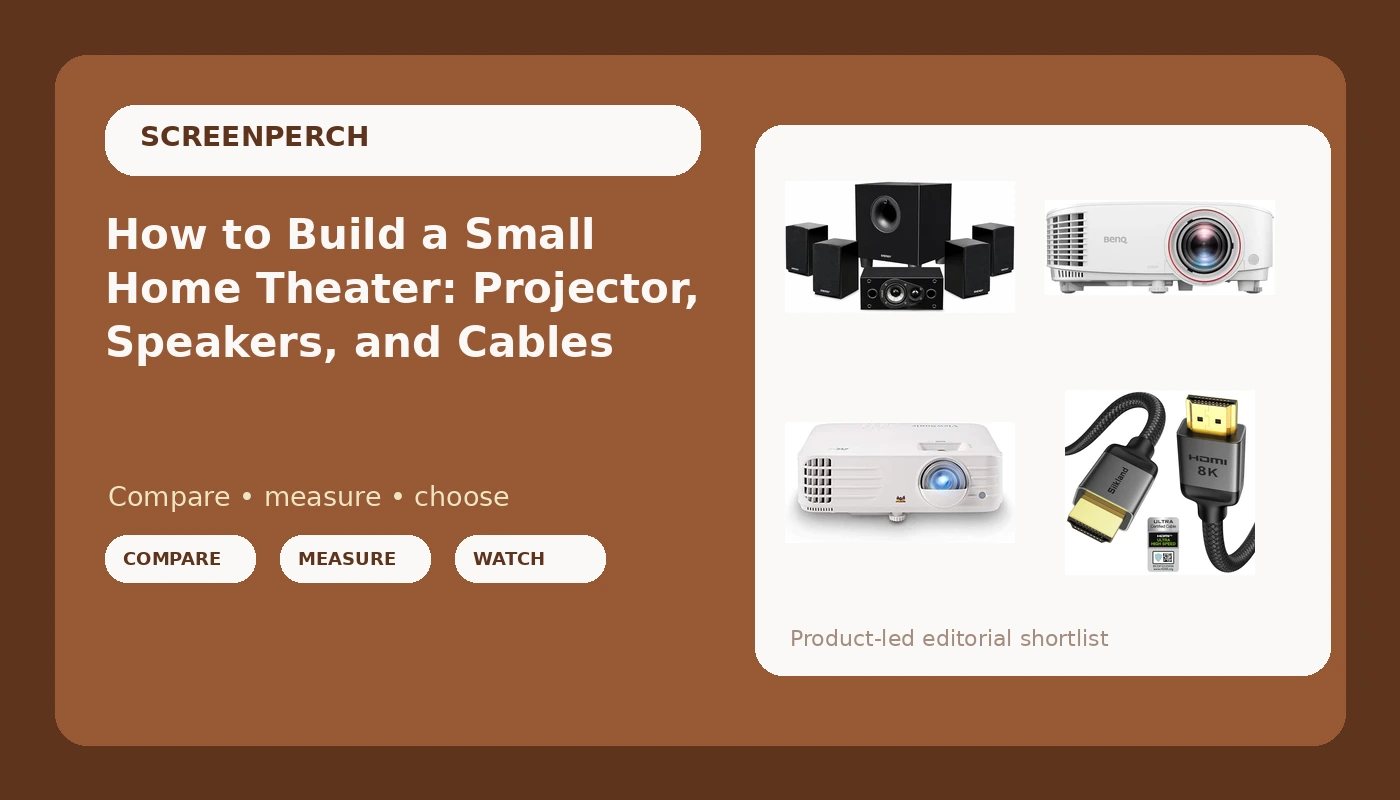
| ViewSonic PX701-4K UHD Projector, 3200 Lumens, 240Hz HDR, Auto Keystone DLP | Rooms with depth and light control | 4K UHD resolution, 3200 rated lumens, 240Hz support, HDR, auto keystone |
| BenQ TH671ST 3000 Lumens 1080p Short Throw Home Entertainment Projector | Short rooms and tight seating | Short throw lens, 1080p resolution, 3000 rated lumens |
| Energy 5.1 Take Classic Home Theater System (Set of Six, Black) | Buyers who want discrete surround | Six-piece 5.1 configuration with a separate subwoofer |
| Silkland Certified HDMI 2.1 eARC/ARC Cable 3.3FT, Ultra High Speed 48Gbps | Short source-to-display runs | Certified 48Gbps rating, eARC/ARC support, 3.3 foot length |
The 4K centerpiece: ViewSonic PX701-4K UHD Projector
The trade-off with a standard throw projector is that it needs room behind it. A longer throw means a bigger image for the same lens position, but it also means the projector sits closer to the back wall, closer to heads, and often closer to a ceiling fan. Auto keystone is genuinely useful when the mount cannot sit perfectly square to the screen, and I use it as a rescue tool rather than a plan. Every degree of keystone correction is the projector rescaling the image to fake a rectangle, so get the mount as close to square as you can and let the feature clean up the rest.
The short throw option: BenQ TH671ST 3000 Lumens 1080p Short Throw Home Entertainment Projector
Short throw solves two problems at once and creates one. It solves the walking-through-the-beam problem, which is the single most common complaint I hear from people who mounted a standard throw projector at head height. It solves the cable problem, because a three foot run is easy to hide and easy to keep away from power lines. What it does not solve is brightness per dollar, since short throw optics cost more to build, and it does not give you 4K at this tier. If your room is under about twelve feet deep and you want a 100 inch image, this is the class of projector to shop in.
The surround foundation: Energy 5.1 Take Classic Home Theater System (Set of Six, Black)
The catch with any discrete 5.1 set is that the room has to cooperate. Rears need a wall, a stand, or a ceiling point, and the subwoofer needs a corner you are willing to give up. In my own living room I move a sub through four positions with a 50 Hz test tone and a tape measure before I trust it, because corner loading can add several decibels of boom that no amount of receiver correction fully tames. I also tell clients the same thing every time: in a dedicated theater room, buy speakers, not a bar. A six-piece package like this is the entry point to that path, and it will outlast two or three soundbars.
The cable that carries it all: Silkland Certified HDMI 2.1 eARC/ARC Cable 3.3FT, Ultra High Speed 48Gbps
Length is the variable people ignore. A 3.3 foot certified cable is close to a sure thing, because short runs have far more margin than long ones. The failures I get called about are almost always 25 feet and up, where a marginal cable passes a basic handshake and then drops out the moment the source asks for 4K at a high refresh rate. If your projector sits directly above or beside the source, buy the short certified cable and stop thinking about it. If you need a long run, plan to test it before it goes inside a wall, because re-terminating a cable that is already behind drywall is nobody's idea of a good Saturday.
Prices and availability may change. Product images, names, and retailer links must be matched by verified ASIN. Do not state a current price, rating, stock status, or measured result without current evidence.
Throw distance and screen size: the math that decides everything
Throw ratio is the number that tells you how far the projector has to sit for a given image width. It is expressed as a ratio of distance to image width, so a projector with a 1.5 throw ratio needs 1.5 feet of distance for every foot of image width. A 100 inch wide image at that ratio needs the lens 150 inches, or 12.5 feet, from the screen. A short throw projector might sit at half that distance or less for the same image. This is why the projector should be the last thing you buy, not the first: the room gives you a distance, the distance gives you a screen size, and the screen size tells you which projector class fits.
Seating distance is the other half of the equation. Sit too close and you will see the pixel structure and every compression artifact in a streaming feed; sit too far and you have paid for resolution you cannot resolve. A rough starting point for 1080p is a seating distance of about 1.5 times the image height, and for 4K you can sit closer before the pixels become visible, which is a real argument for the 4K projector if your couch is fixed in place and closer than you would like.
Brightness works the same way. Rated lumens describe the projector's output under ideal conditions, not the light hitting your screen after a long throw and a room full of windows. A darkenable room needs far less output than a room with an unshaded west-facing window. If you cannot control the light, spend the money on blackout shades before you spend it on more rated lumens.
What HDMI certification actually buys you
HDMI 2.1 changed the game because 48Gbps is a lot of bandwidth to push through copper, and the cable either sustains it or it does not. Certification programs exist to test that, which is why the label is worth more than the number printed next to it.
- Measure the actual run first, from source to display, and add two feet of slack for service loops at both ends.
- Decide what the cable has to carry: 4K at 60Hz is a different bandwidth demand than 4K at 120Hz, and a high refresh source is where marginal cables fail.
- Check whether you need the audio return channel, because eARC/ARC lets the display send audio back to a receiver over the same cable instead of a second run.
- Prefer a certified cable at the shortest length that reaches, since short runs have more headroom and fewer failure points.
- Test the full chain before the cable goes behind drywall, playing the highest bandwidth content you own and watching for dropouts over a full hour.
Setting up the room before the boxes arrive
- Measure the lens-to-screen distance and pick a screen size from the throw ratio, not from what fits on the wall.
- Mount the projector as square to the screen as the bracket allows and keep keystone correction as a last resort.
- Place the front three speakers at ear height at the seated position, with the center channel directly under or over the screen.
- Move the subwoofer through at least three positions and listen for boom before you commit to a corner.
- Keep signal and power runs separated, and test every cable at full bandwidth before it goes inside a wall.
Which option should you choose?
Choose the ViewSonic PX701-4K UHD Projector when you have at least twelve feet of depth, some control over room light, and you want 4K resolution with high refresh support. Choose the BenQ TH671ST when the room is short, the seating is close, or you want the projector out of the walking path entirely. Choose the Energy 5.1 Take Classic when you want discrete surround channels and are willing to add a receiver and run speaker wire. Choose the Silkland HDMI 2.1 cable when the source sits within a few feet of the display and you want a certified short run that will not be the weak link.
One caveat on all of it: none of these decisions can be made from a spec sheet alone. Manufacturer lumen figures, throw ratios, and bandwidth ratings are all claims until they meet your room, and the room always wins. Measure first, buy second.
The bottom line
A small home theater comes together in a fixed order. Figure out the distance from lens to screen, derive the screen size from the throw ratio, then choose the projector class that fits that geometry. Match it with real channels if you want surround, place the subwoofer by ear rather than by convention, and use a certified cable that is short enough to have margin. Get those four things right and the gear does its job, which is the only outcome I care about when I am standing in someone's living room with a tape measure and a skeptical client.