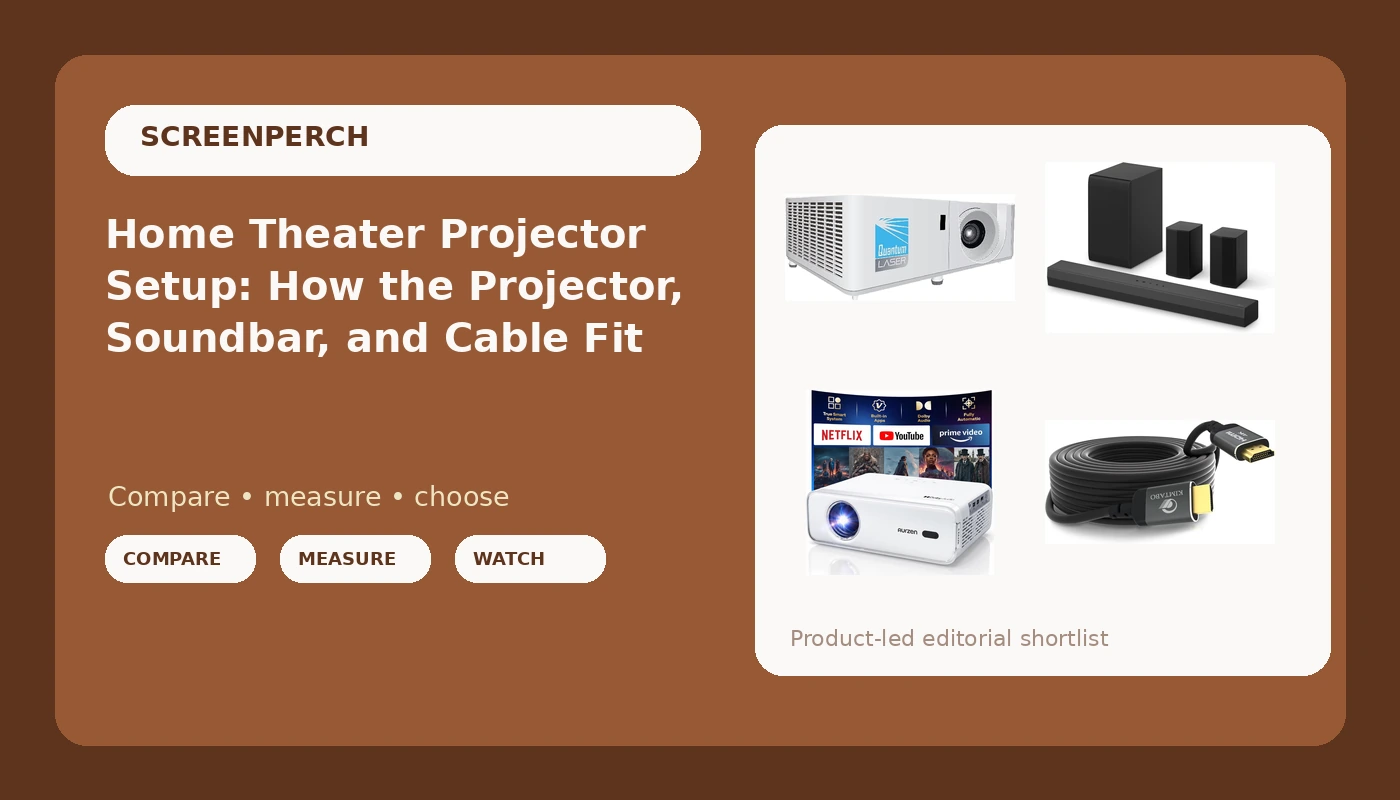
Related: Best Budget Soundbar for a Living Room With Hard Floors
Most people buy the projector, the soundbar, and the cable in three separate orders, then wonder why the picture looks washed out and the dialogue sounds like it is coming from the hallway. A home theater projector setup is a system, and the pieces have to agree with each other before the first box lands on your porch.
I have spent fifteen years pulling wire and calibrating displays, and the pattern never changes: the room decides more than the spec sheet does. So here is how I would put these four pieces together, what each one is actually for, and what to check before you commit to a 30 foot run across a living room ceiling.
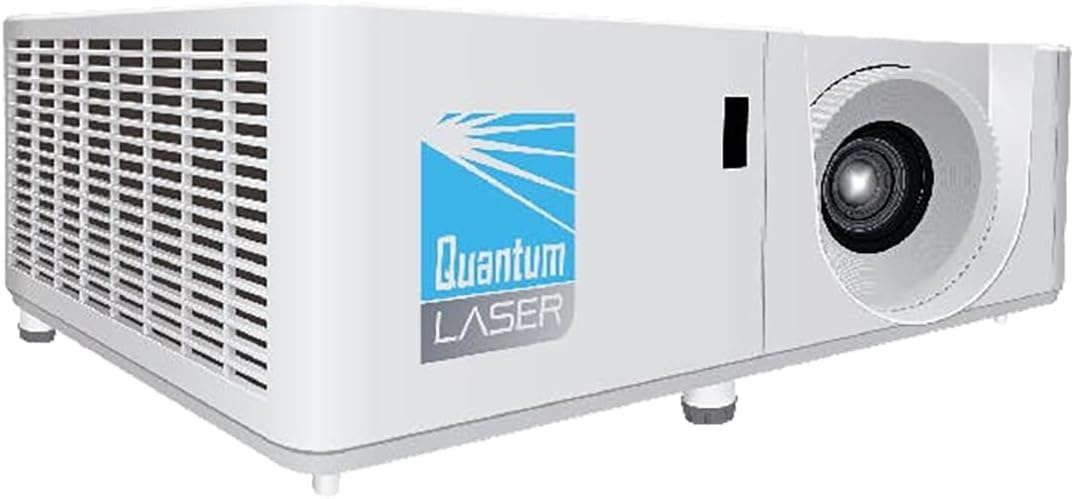
The InFocus Core Series INL144: a laser projector for a room you can darken
This is the anchor of a budget media room. A laser light source holds its brightness far longer than the lamps it replaced, and it reaches full output in seconds instead of warming up for a minute. That matters more than people think, because a projector you avoid turning on is a projector you stop using.
XGA means 1024 by 768. That is not 1080p, and nobody should pretend otherwise. What XGA buys you is a sharp, bright image for sports, presentations, kids' movies, and a second screen in the spare room, at a fraction of what a native 4K unit costs. If your library is mostly 1080p discs and you sit close, you will see the resolution gap. Sit ten feet back and stream most nights, and you will not.
The part I care about is calibration. Every projector I touch gets an i1Display Pro pass in Calman against Rec.709, and out of the box almost nothing hits the target. Delta-E under 3 is the bar I publish. Budget and business class projectors tend to ship blue shifted and too bright, which looks impressive in a showroom and becomes fatiguing after an hour in a dark room. Budget an hour with a calibration disc, or pay someone who owns a meter.
Then check the throw distance before you buy the mount. Projector placement is geometry: throw ratio times screen width tells you where the lens has to sit, and no menu setting fixes a projector mounted in the wrong place.
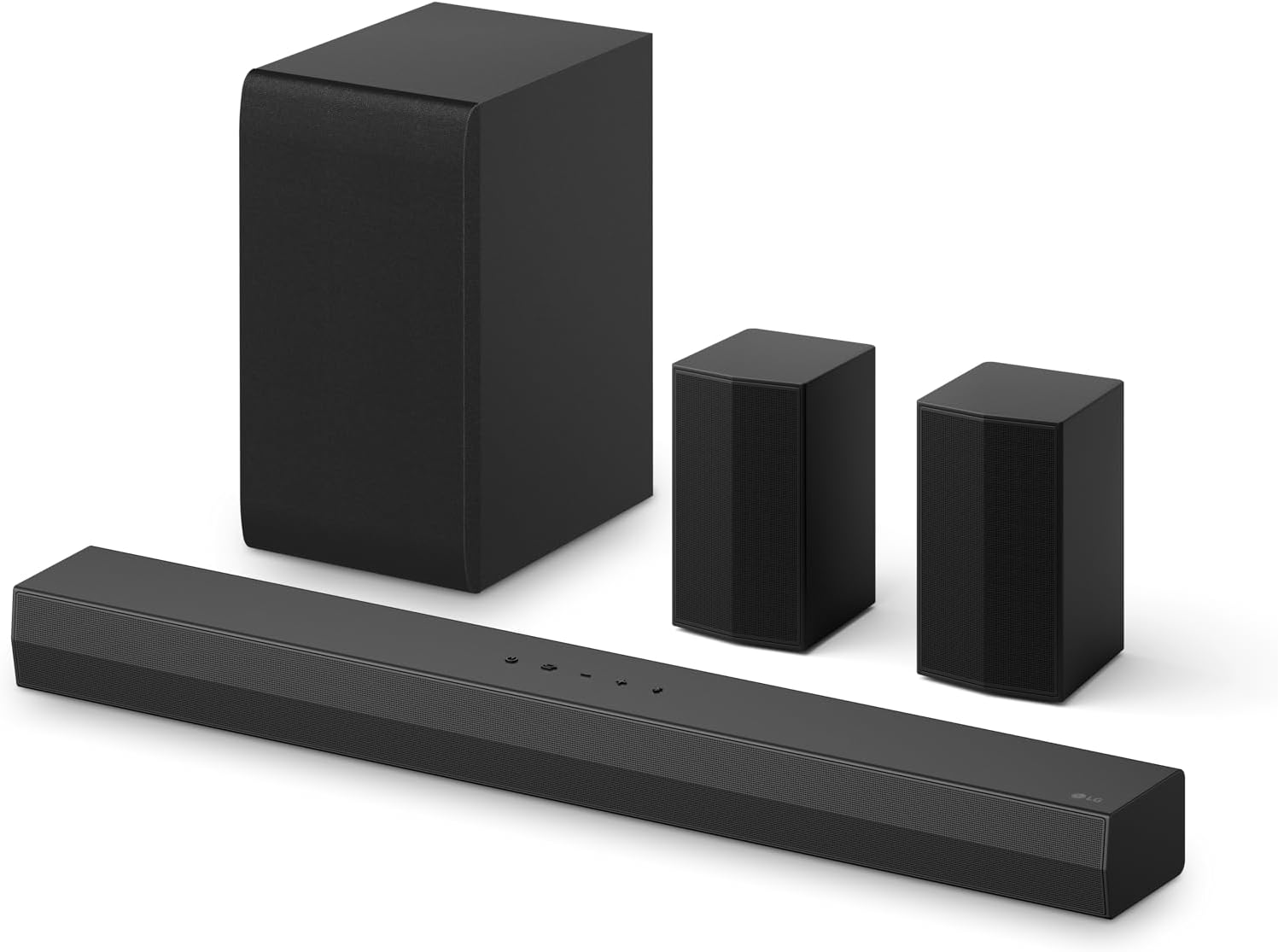
The LG S40TR: 4.1 channels with rears that do something
This is a 4.1 channel soundbar system with rear surround speakers and a wireless subwoofer, plus Dolby Audio and AI Sound Pro processing. Four channels means left, center, right, and the sub, with the two rear speakers carrying the surround information. The center channel is the one that matters most. Dialogue lives in the 1 to 4 kHz presence band, and a bar without a real center driver makes actors mumble no matter what the box claims about power.
The wireless sub is the easy part. Where it goes is the hard part. I move a sub to four corners with a tape measure and a 50 Hz sine wave and listen at each spot, because corner loading can add six to ten dB at one frequency and carve a null at another. The wireless link does not care where the box sits, which frees you to put it where the room sounds best instead of where a cable reaches.
The rears need to be at or just above ear height, slightly behind the couch, angled toward the listening position rather than at the wall. Run a sweep from the actual couch before and after the bar's room correction does its thing, because correction can fix a hump and can just as easily flatten the dialogue band into mush. Test the AI processing on a dialogue heavy show both ways. Some modes scoop the midrange to sound wider, and that is the wrong trade for a British crime drama.
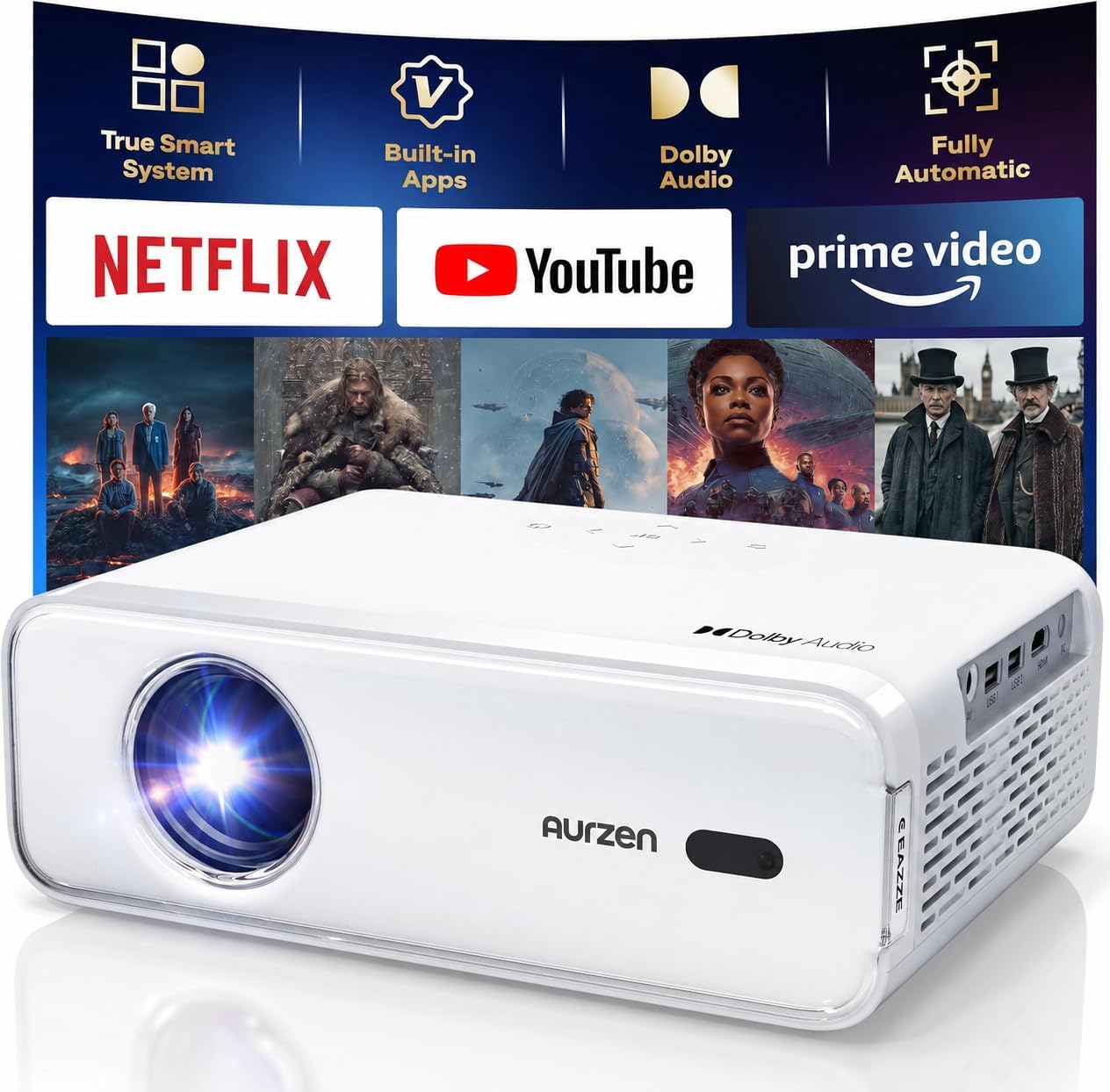
The Aurzen EAZZE D1: the projector that leaves the house
A portable projector with WiFi and Bluetooth solves a different problem than a fixed install. This one is built to move: stream over WiFi without a laptop tethered to it, and send audio out over Bluetooth when you do not want to run a cable to a soundbar across a patio.
Outdoors is where people get disappointed, and it is almost never the projector's fault. Ambient light is the enemy of contrast. A 100 inch image on a white sheet at dusk looks fine; the same image at nine under a porch light looks gray and flat. Get a screen or a genuinely white surface, kill every light you can, and start the movie after sunset.
Power is the other thing nobody plans for. Run an outdoor rated extension cord, tape the connections, and keep the projector out of the sprinkler line. Put it on a stable table, because a portable projector on a wobbly surface means you re-keystone the image every ten minutes, and every keystone correction softens the picture a little more.
The 30 ft HDMI cable: the part most likely to fail
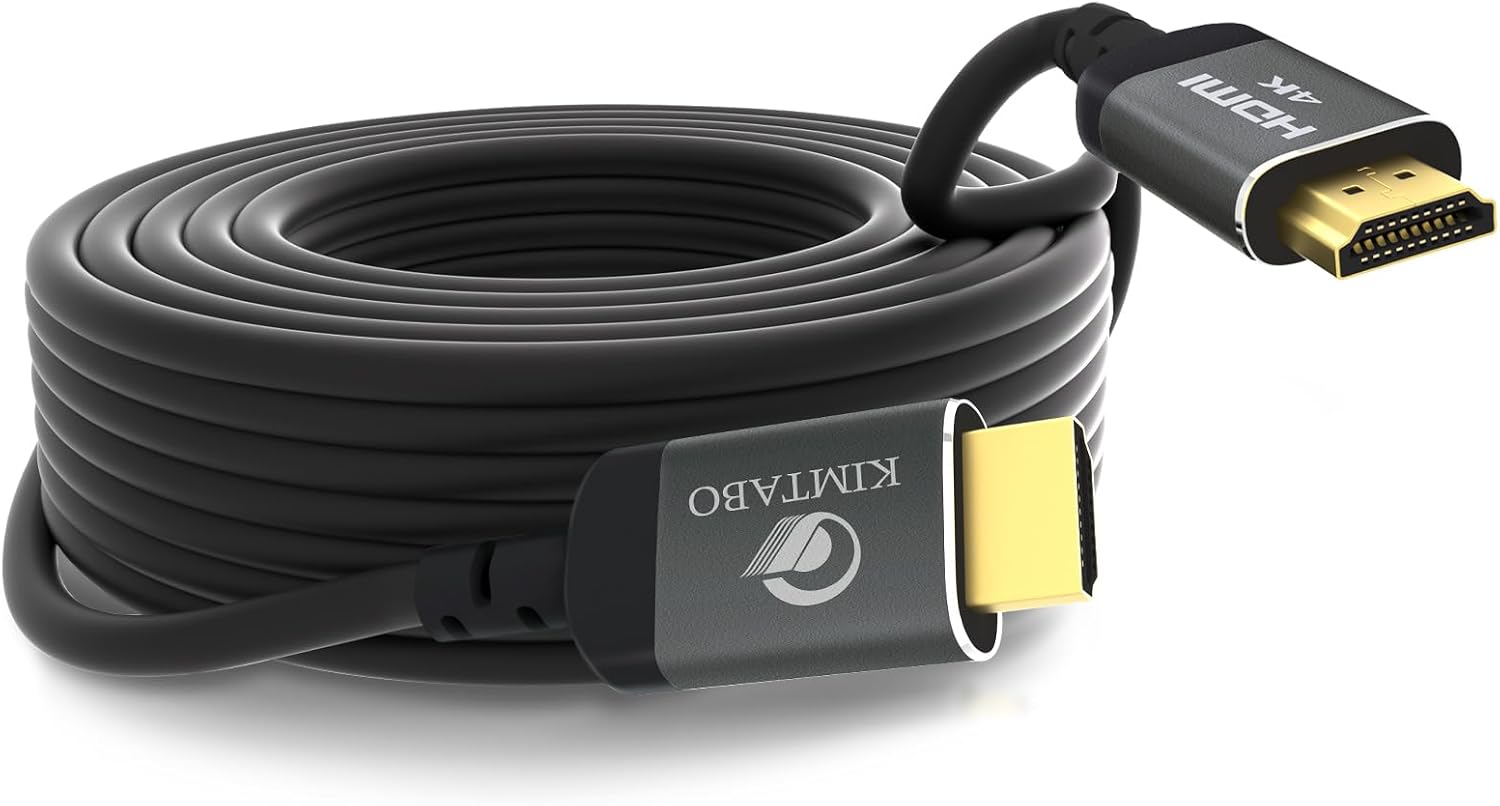
A 30 foot HDMI cable is where a system quietly goes wrong. This one is rated for 4K at 30Hz, 2K, 1080p, 3D, and ARC, with gold plated connectors, and it measures 9.14 meters end to end.
Here is the honest math. 4K at 30Hz runs about 8.9 gigabits per second. 4K at 60Hz runs 18. Passive copper at 30 feet is near the edge of what carries even the lower number reliably, which is exactly why the spec says 30Hz and not 60. For a 1080p projector like the InFocus, or for a portable unit on the patio, this cable is a sensible, inexpensive choice. For a 4K 60Hz source at 30 feet, buy an active optical cable instead and save yourself a weekend of troubleshooting.
Test the run before you bury it. Plug both ends in, play a 4K clip, and watch for sparkles, dropouts, or a black flash. Then test ARC, because audio return channel over 30 feet of copper is the first thing to get flaky. If it fails, re-terminate or replace it. Do not pull a ceiling run twice.
How I check a room before I recommend anything
I measure seating distance and screen width first, because those two numbers set the screen size and the projector position. Then I sweep the room with a UMIK-1 from the actual couch, note where the dips and humps land, run the bar's room correction, and sweep again. The second sweep tells you whether the correction fixed the room or just fudged the curve.
After that comes SPL. I check where the system sits at normal listening volume and whether THD climbs before the bar gets genuinely loud, because headroom is a measurement, not a sticker. Dialogue gets its own pass in the presence band. Then I run an HDMI pattern test at the full length of the cable, not a three foot jumper on a bench.
Finally, I listen to the room itself. My living room has a ceiling fan that hums at exactly 60 Hz, and no DSP on earth removes a mechanical hum. Fix the source, then fix the curve.
Analysis: matching each piece to the room
The InFocus wants a dark, fixed room and a proper mount. Give it that and it will hold up for years; put it on a shelf with a window behind the screen and you will blame the projector for a problem the room caused.
The LG S40TR is the audio backbone of the setup, and its value is the wireless rear speakers. Most people never install real surrounds because running wire behind a couch is miserable. A 4.1 system with wireless rears and a wireless sub removes that excuse, and rear channels are what turn a wall of sound into a room. Just remember that room correction helps placement, it does not replace it, and a bar in a huge open plan space will not pressurize the room the way a subwoofer plus real speakers would.
The Aurzen EAZZE D1 is not competing with the InFocus. It is the projector for the patio, the garage, the camping trip, and the night the kids want a movie outside. Buy it for that and it will overdeliver. Buy it as your only projector in a bright living room and you will be disappointed.
The cable is the least glamorous purchase and the one that causes the most support calls. Match the cable's rated data rate to the signal you are actually sending, test it before it goes in the wall, and it will outlive the projector.
The reference table: matching gear to the room
| Product | Role in the setup | Room it fits | What to verify |
|---|---|---|---|
 Visit on Amazon → Visit on Amazon →InFocus Core Series INL144 |
Fixed projector | Dark media room or spare room | Throw distance and Rec.709 calibration |
 Visit on Amazon → Visit on Amazon →LG S40TR |
Audio backbone | Living room with tile or hardwood | Sub placement and rear speaker height |
 Visit on Amazon → Visit on Amazon →Aurzen EAZZE D1 |
Portable projector | Patio, garage, backyard | Ambient light and a stable surface |
 Visit on Amazon → Visit on Amazon →30 ft HDMI cable |
Signal run | Any fixed install with a long run | 4K 60Hz versus 30Hz, and ARC behavior |
Should you buy the InFocus Core Series INL144?
Yes, if the room can be darkened and you are not chasing native 1080p. It is the least expensive way to put a big, bright, long lasting image on a wall, and a laser light source means no lamp replacement math to do later. Budget an hour for calibration, mount it at the right throw distance, and it will do everything you asked of it.
Should you buy the LG S40TR?
Yes, if you want real surround without pulling wire to the back of the room. Wireless rears and a wireless sub are the two features that make a soundbar system actually worth owning, and 4.1 channels with a real center is a meaningful step up from a two channel bar. Set the rears at ear height, test the processing modes on dialogue, and leave room correction on.
Should you buy the Aurzen EAZZE D1?
Yes, as the second projector. It is a portable, WiFi and Bluetooth equipped unit built for a backyard, a garage, or a rental where you cannot mount anything. Treat it as an outdoor and travel machine and it earns its spot. Treat it as a replacement for a fixed, calibrated install and you will be unhappy with the contrast in daylight.
Should you buy the 30 ft HDMI cable?
Yes, if your signal is 1080p or 4K at 30Hz and you need a long run at a low price. Gold plated connectors and a 9.14 meter length cover most ceiling runs. If you are feeding 4K at 60Hz across that distance, step up to an active optical cable and test the run before it goes behind drywall.