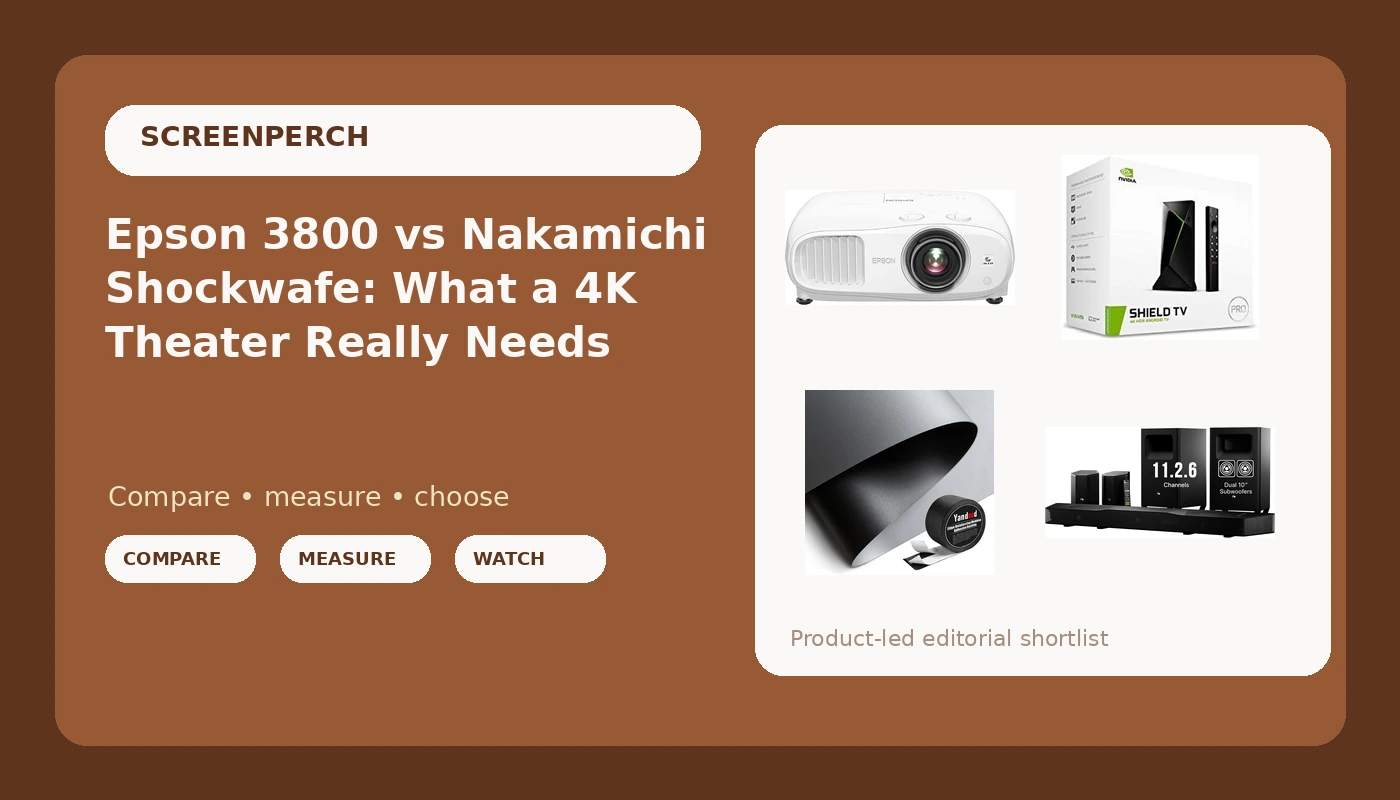
Four boxes land in a Round Rock driveway and the homeowner is already planning movie night. A projector, a streaming box, a roll of screen fabric, and a soundbar with two subwoofers. That is a complete 4K home theater projector setup in four purchases, and I have installed enough of them to know which of those boxes gets blamed when the picture looks washed out and the dialogue sounds like it is arriving through a pillow.
It is almost never the box the client suspects. The projector gets blamed for a grey, flat image when the real problem is a white wall and a window. The soundbar gets blamed for muddy dialogue when the real problem is a subwoofer parked in a corner and rear speakers sitting on the floor behind a couch. This is the part of the job nobody warns you about: the room is a component, and it is the one you cannot return.
I have been doing this for fifteen years, roughly 340 installs, and every projector I touch gets calibrated and every room gets swept with a measurement mic before I tell anyone their gear is fine. So here is how these four products actually divide the work, and which one I would buy first if the budget only allowed one this month.
If I had to rank these four by how much they change what you see and hear, the screen surface comes first, the projector second, the soundbar third, and the streamer last. The streamer is the one piece here that is genuinely hard to get wrong.
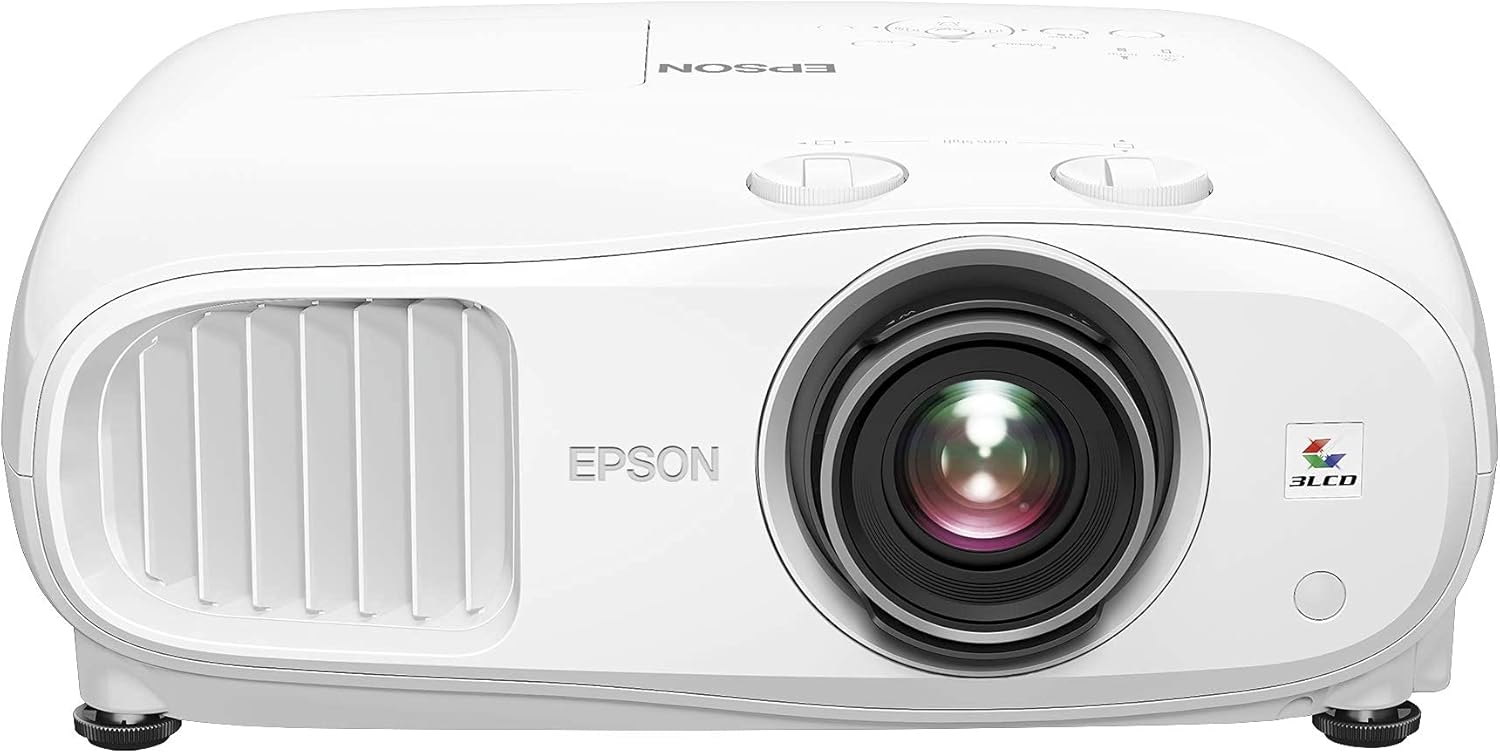
Epson Home Cinema 3800
Three-chip 3LCD means no color wheel and no rainbow artifacts, and the zoom and lens shift range make it one of the easier projectors to place without moving furniture
Lamp based, so brightness fades over the years and replacements cost money; it needs a dark-ish room and a decent screen to look like the money spent
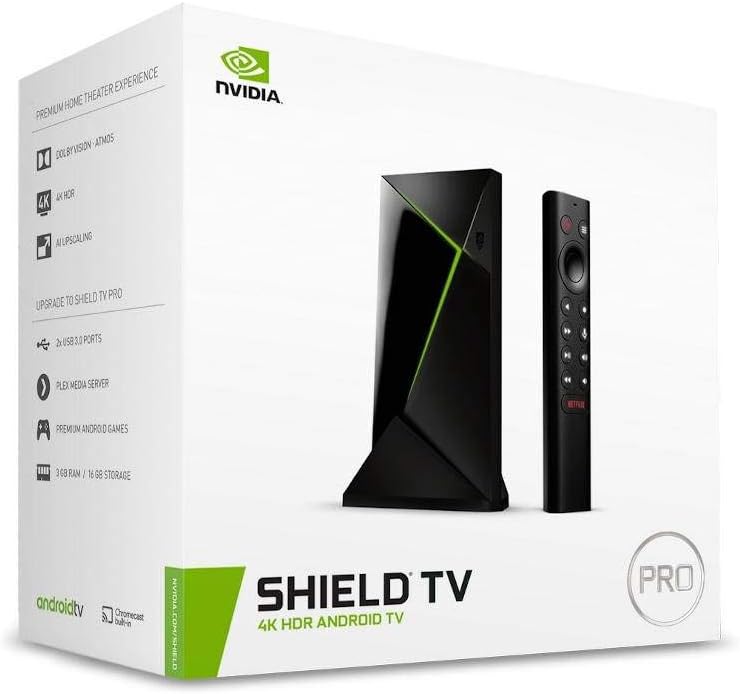
NVIDIA Shield Android TV Pro
Processing headroom to clean up 1080p sources, Dolby Vision support, and two USB ports for local drives, plus passthrough for lossless audio to a bar or receiver
It is a streamer, not a picture upgrade; if the projector or TV already has a competent app platform, this changes the least of anything on this list
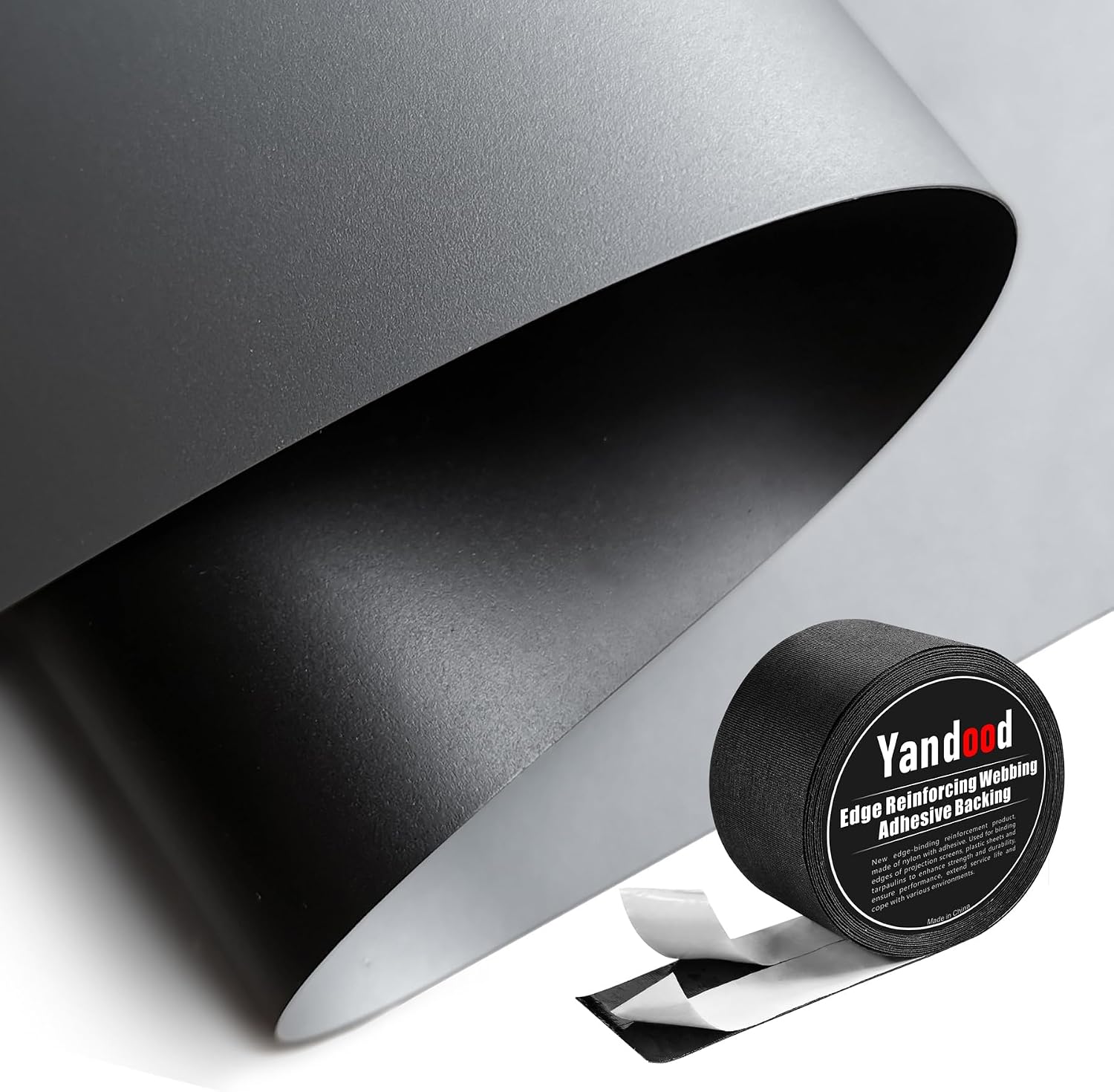
Ambient Light Rejecting Screen Material
The biggest single picture upgrade in this group; grey fabric with a black backing keeps blacks from turning grey in a room with windows and lamps
It is fabric, not a finished screen; you build the frame, and a sloppy frame shows every ripple in bright scenes
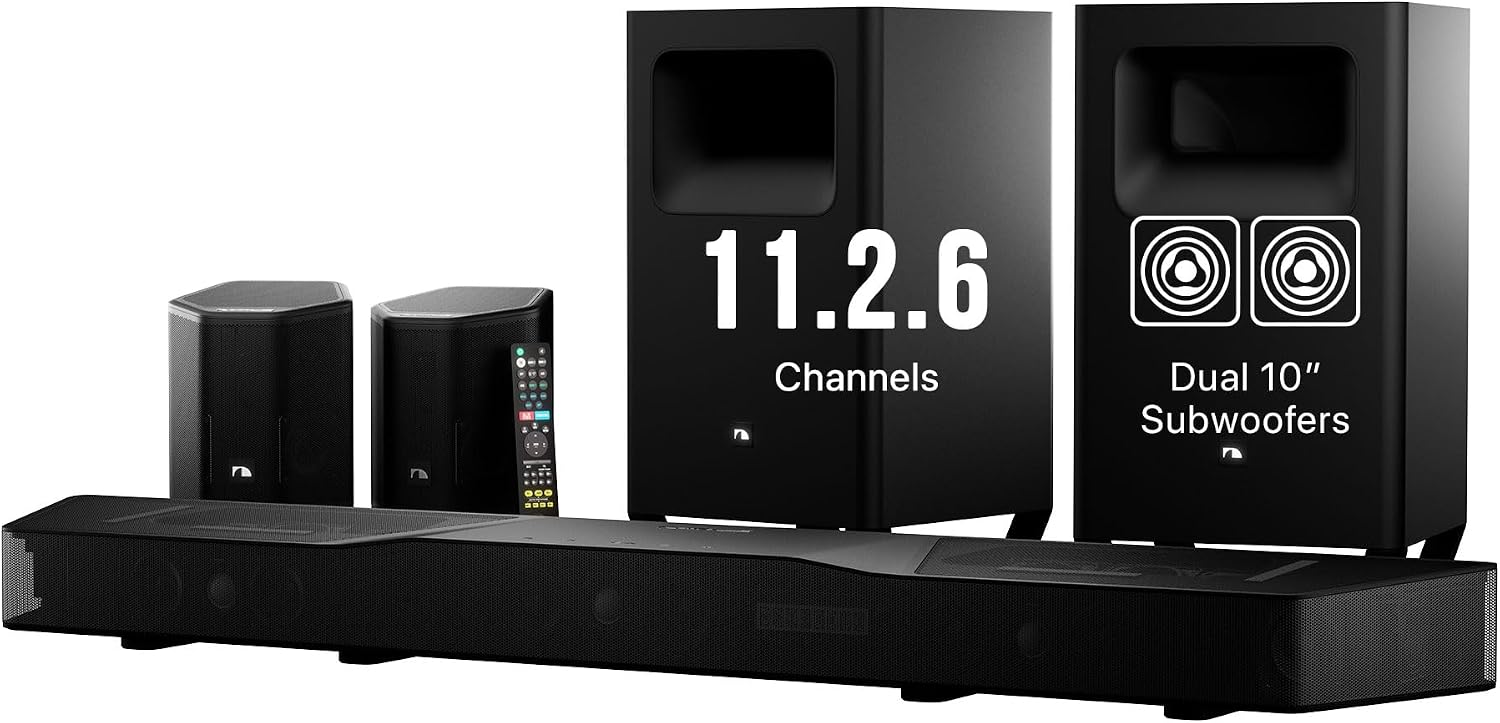
Nakamichi Shockwafe 11.2.6
Discrete surround channels plus two 10 inch subwoofers in one purchase, with Dolby Atmos and DTS:X decoding, which is more real channels than most bars near this price ship with
A channel count is not headroom; placement still decides everything, and the rear speakers need power outlets and somewhere to sit that is not the floor
Prices and availability were captured from Amazon Creators API and may change.
How I judge a theater build
I do not start with the spec sheet. I start with a tape measure and a question: where does the screen go, where does the couch go, and what is behind the couch. Those three answers decide more about the final result than any number printed on a box.
Then the gear gets measured. Projectors get calibrated to Rec.709 with a meter, and I care about delta-E, because a projector that measures badly out of the box will show it in skin tones no matter how good the demo reel looked in the store. Audio gets swept from the actual listening position, because a frequency response curve taken at the couch tells you what the room did to the sound, not what the marketing department hoped it would do.
Two rules come out of that process. First, no wattage or lumen claim gets repeated by me unless I have a reason to believe it. Second, placement beats product almost every time. The most expensive bar in the world, sitting in a corner with the sub behind the couch, loses to a cheap bar placed correctly. I have watched that happen in living rooms across Travis and Williamson County.
The projector: Epson Home Cinema 3800
The case for the 3800 starts with three-chip 3LCD. There is no spinning color wheel, which means no rainbow effect for the people who see it, and no sequential color trickery. It also means the color brightness holds up better than a lot of single-chip competition when the image is bright, which matters for sports and for animated movies with saturated reds and yellows.
HDR support keeps it relevant for 4K sources, and the physical installation is friendlier than most. The zoom range and lens shift give you real flexibility on where the projector can sit relative to the screen, which is the difference between a ceiling mount that works and a ceiling mount that forces you to move the couch three feet to the left.
The honest downside is the lamp. Lamp-based projection means brightness declines with hours, replacements cost real money, and you do not get the instant on-off and stable output of a laser. This is also a projector that rewards a dark room. Put it on a white wall next to a window at 2 p.m. and you will conclude the projector is bad. Put it on proper screen material with the shades down and it looks like a completely different product.
If you want to check the current listing, Visit on Amazon →.
The source: NVIDIA Shield Android TV Pro
The Shield Pro is the least exciting purchase here and possibly the most misunderstood. People buy it expecting a picture upgrade and then wonder what they paid for. What they paid for is processing headroom. The upscaling on 1080p and lower-resolution sources is the reason this box has stayed on recommendation lists for years, and it is the one streaming device I have not had to babysit on a client's network.
It handles Dolby Vision, and it passes audio through to a bar or receiver without mangling it, which is the failure mode of cheap streamers. Two USB ports mean you can hang a drive off it and play local files without a separate media server, which matters if you have a library of ripped discs. The remote is fine. The interface is fine. Nothing about it is thrilling.
The case against it is simple: if your projector or TV already runs a decent app platform with the services you use, the Shield adds convenience and processing, not picture quality. It is the piece on this list I would cut first if the budget got tight, and I would not feel bad about it.
The screen surface: ambient light rejecting fabric
This is the sleeper. A 69 by 118 inch roll of grey ambient light rejecting fabric with a black backing is not glamorous, and it is the purchase that most changes what your eye sees. ALR material is designed to reject light coming from the sides and above, which is exactly the light your room is full of: windows, lamps, and a ceiling fixture you forgot about. Grey fabric also deepens perceived black level, which is the number one complaint people have about projected images.
The catch is that this is material, not a screen. You supply the frame, and the frame is where DIY builds fail. Fabric stretched unevenly shows ripples that turn into visible waves during panning shots. A frame that is not square makes the image trapezoid before you ever touch the projector's keystone correction, and keystone correction costs you resolution. Build the frame carefully, tension the material evenly, and this fabric does work that costs many times more in a finished screen.
Note the size before you buy. This material is sized for a maximum 130 inch 16:9 image, so measure your wall and your throw distance before you cut anything.
The sound: Nakamichi Shockwafe 11.2.6
The Shockwafe is the most ambitious product in this comparison. A 11.2.6 configuration with dual 10 inch subwoofers and Dolby Atmos plus DTS:X decoding is a lot of channels for a bar-shaped product, and the point of all those channels is object-based audio: sound that moves around the room instead of staying pinned to the front wall.
Two subwoofers is not a gimmick if they are placed properly. Two subs smooth out the bass response across a seating area, which means the person on the left end of the couch and the person on the right hear roughly the same low end instead of one of them sitting in a cancellation null. That is a real, measurable benefit, and it is also the part most people ruin by stacking both subs in the same corner.
Here is the trade-off nobody puts on the box: channel count is not headroom. A bar can decode eleven channels and still compress and distort when you push it. That is why I care more about what happens at 60 percent volume than about the number on the sticker, and it is why I tell clients to buy the bar that stays clean, not the bar with the biggest number. A soundbar also cannot fix a room with no treatment and a sub in the wrong place. Placement first, always.
The trade-offs nobody puts on the box
Every product here has a hidden cost. The projector has lamps. The fabric has a frame you have to build. The soundbar has rear speakers that need power and a mounting solution. The Shield has a learning curve if you have never used Android TV.
Then there is the room itself. Tile floors make dialogue slap. A ceiling fan running at low speed introduces a hum that sits right where dialogue lives. A sub in a corner produces a bloated, one-note bass that sounds impressive for ten minutes and tiring for two hours. None of that shows up in a spec comparison, and all of it shows up in your living room on the first night.
What I would buy first
If you already own a projector and a soundbar and the picture looks flat, buy the screen material. It is the cheapest thing here and the biggest visible change.
If you are starting from nothing, buy the projector and the screen together, run it for a month on whatever speakers you own, and then decide on audio. You will learn more about your room in that month than any review can tell you.
Buy the soundbar when you know where the subs and rears are going to live. Buy the Shield last, and only if your current streaming device is slow or missing formats you actually use.
What I'm testing next
There is a fresh batch of room correction firmware rolling out across the 2026 soundbar lineup, and I am re-sweeping bars I already measured to see which updates fixed a bass hump and which ones broke a dialogue curve. So far the results are mixed, which is exactly why I log them. I also have a long HDMI run on the bench that failed a bandwidth test at 24 feet, and it is getting re-terminated for the third time. When it passes, I will tell you what actually worked.
The short version: the room wins. Buy the box that helps the room, not the box with the biggest number.