Related: How to Place a Soundbar So Dialogue Stops Mumbling
Most home theater projector setups fail before the first movie starts, and it is almost never the gear's fault. I have spent fifteen years and roughly 340 installs learning that, and I still start every job the same way: UMIK-1 sweep from the couch, i1Display Pro pass on the projector, spreadsheet open. A home theater projector setup is really three decisions stacked on top of each other. How the picture gets on the wall, how big that wall needs to be, and what makes the sound. Get the order wrong and you will spend two years blaming your equipment for a problem that actually lives in your ceiling fan.
Here is what I tell clients before they hand me a credit card. The projector is not the hard part. The screen is not the hard part. The hard part is that a projector and a sound system are both room-dependent devices, and the room always wins. My own living room has tile floors, an open kitchen, and a ceiling fan that hums at exactly 60 Hz. Gear has to survive that before it earns a recommendation here, no matter whose logo is on the box.
So this is the order I would buy in, and the four pieces I would actually put in a first serious setup.
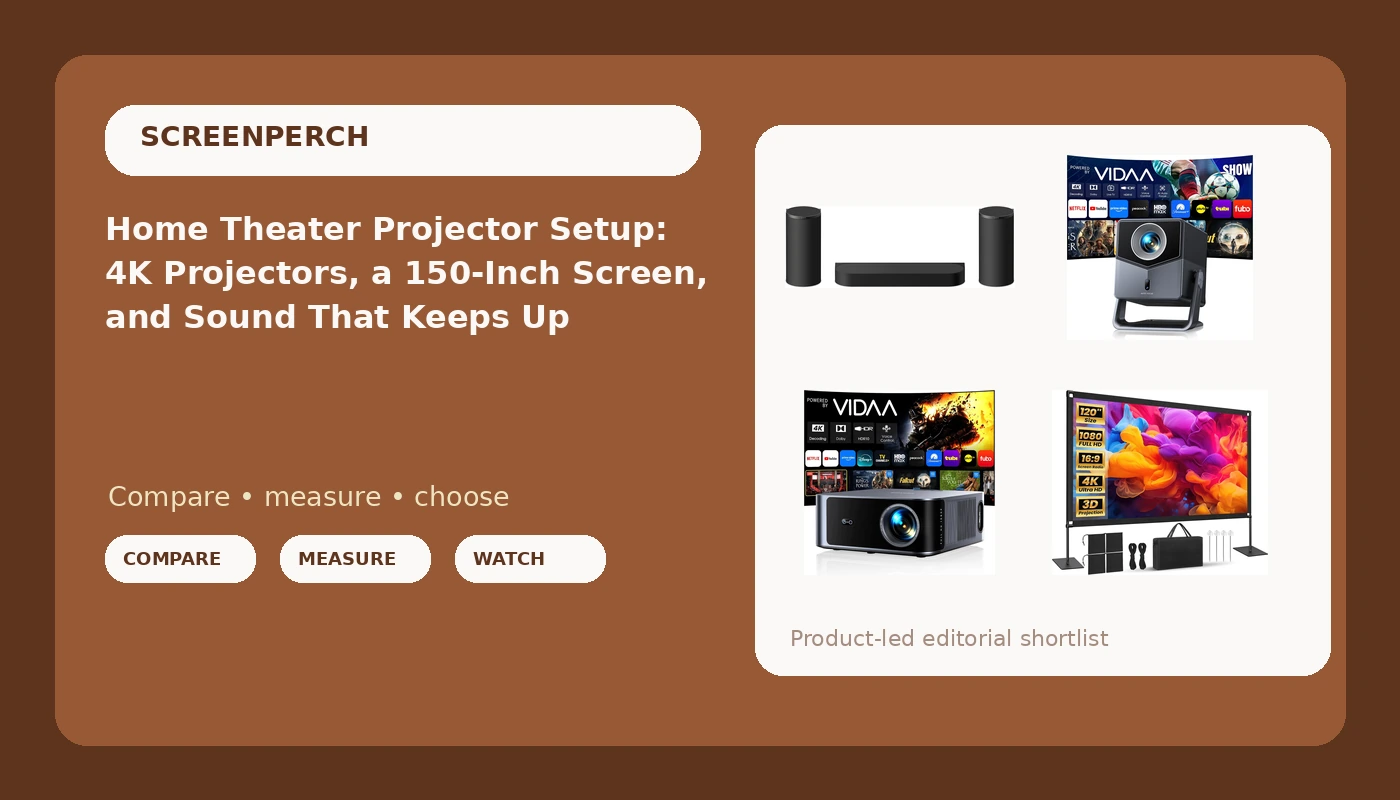
Start with sound: Sony BRAVIA Theater Trio
Sound first. I know that is backwards from how most guides do it, and I do not care. Nearly every projector install I have been called back to was a sound complaint in disguise. Somebody bought a beautiful image, sat down, and could not understand a word of dialogue.
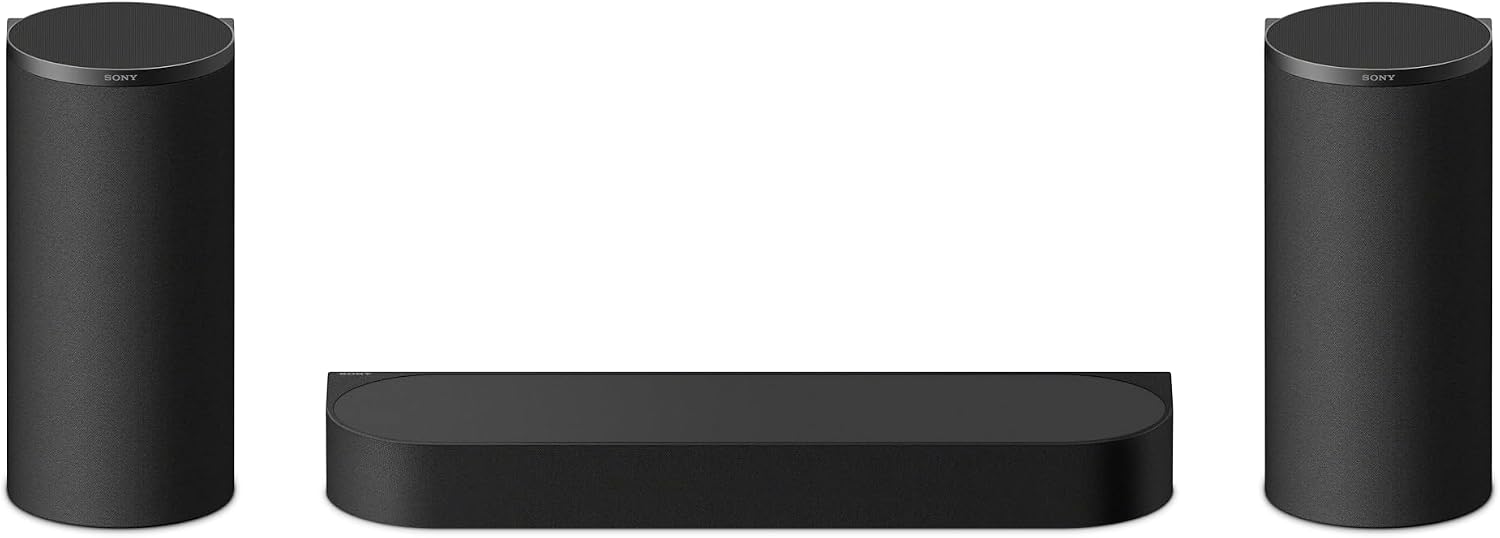
The Sony BRAVIA Theater Trio is a three-unit system built around a soundbar, and that three-unit part matters more than the marketing copy suggests. A single bar under a screen can only do so much with the 1 to 4 kHz presence band, the range where dialogue lives. Discrete units give the DSP somewhere to send the work. What I check is whether the system holds that band flat from the actual listening position after its room correction runs, and whether it still has headroom at 60 percent volume. Headroom is a measurement, not a sticker. When a bar starts compressing the midrange before the knob reaches 60 percent, the wattage on the box was fiction.
Placement is where people lose this thing. A bar goes at ear height or as close as your furniture allows, never on the floor and never tucked inside a cabinet. If the subwoofer is wireless, ignore the marketing diagram. Move it. I run a 50 Hz sine and a tape measure through four corners and pick the one that neither booms in the corner nor disappears in the middle of the room. Check current Amazon price, then budget an afternoon for the placement work, because that afternoon is what you are actually paying for.
For outdoor movie nights: Smart Projector 4K
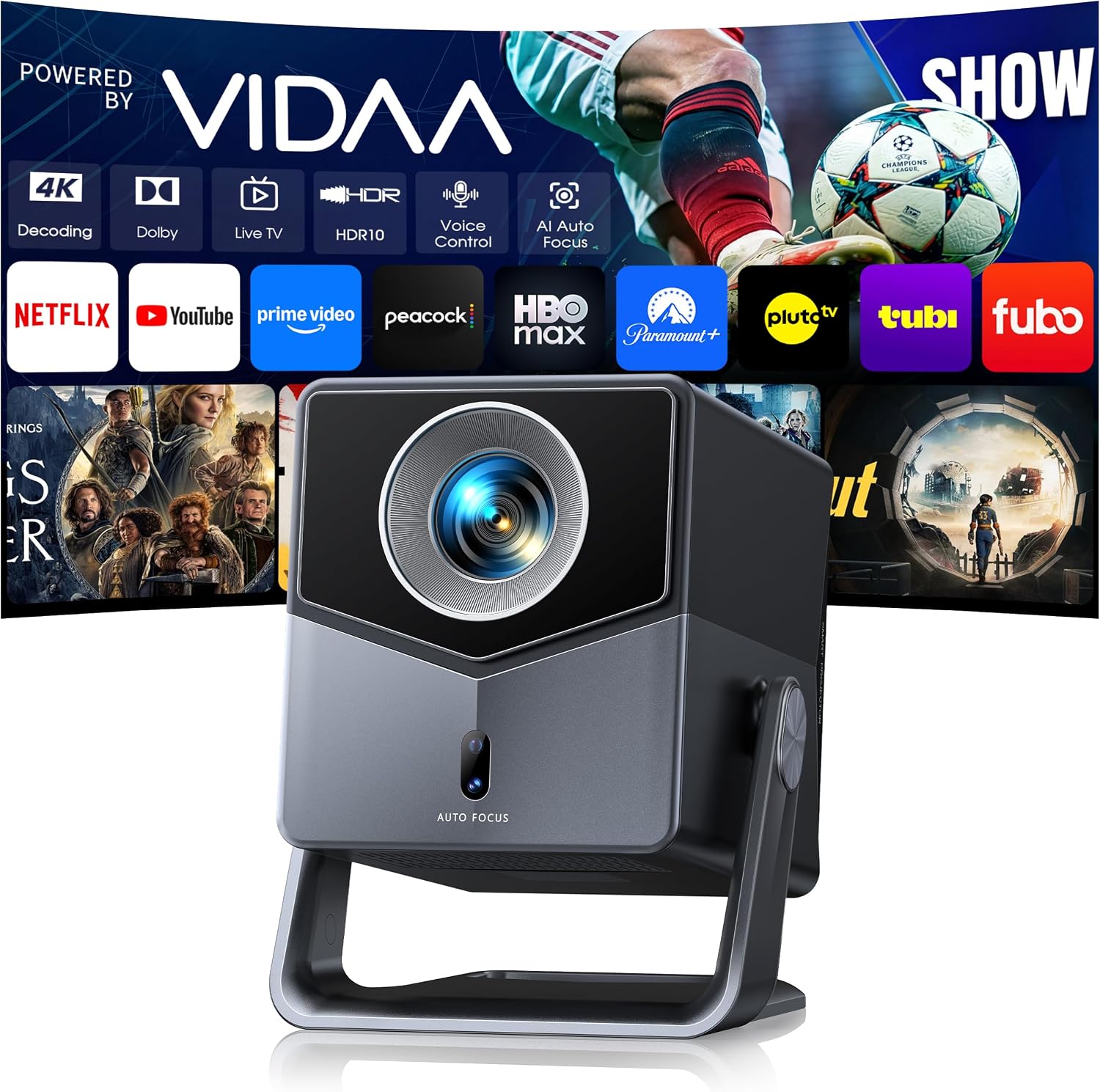
This is the one I would hand somebody who wants a backyard screen in September and a bedroom projector in December. Short throw means it can sit close to the wall instead of needing a long room behind it, which is the difference between a setup that works in a normal house and one that works only in a dedicated media room. AI auto focus and HDR10 handle the part nobody wants to do by hand, and the 36W Dolby audio means you can carry it outside without dragging a receiver along.
The VIDAA live TV platform and Netflix compatibility matter more than people admit. Half the projectors I get called about are fine hardware with a useless interface, and the owner ends up hanging a streaming stick off the back and calling it solved. Built-in streaming, WiFi6, and Bluetooth mean fewer boxes, fewer cables, and fewer failure points. Voice control is the feature I am most skeptical of on any projector, but it costs nothing to have it.
One honest caveat. Outdoor projection is a war against ambient light, and no projector wins that war at dusk on a white garage door. If you are serious about backyard movies, pair this with the screen below. The image is only as good as the surface you throw it on.
For a ceiling mount indoors: Outdoor-Projector-4K
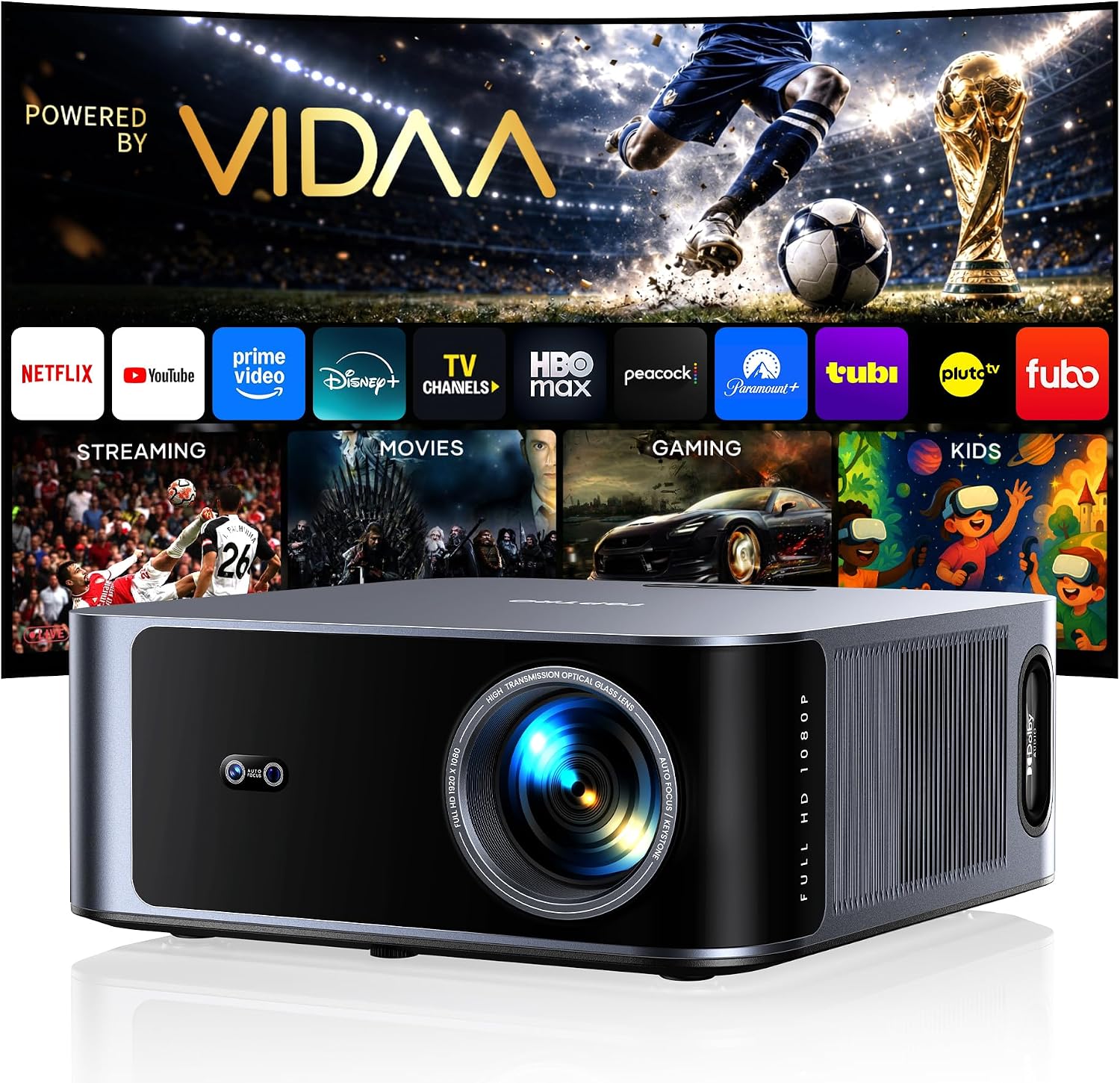
The step-up model is built for the ceiling, and the spec that gets quoted at you is the brightness number. I will say the same thing I say about every lumen claim: that figure is optimistic fiction until a meter says otherwise. What I can tell you is that more claimed output is the right direction if your room has windows, because brightness is the one projector spec you cannot fix after the fact. You cannot calibrate your way out of a dim image.
The rest of the package is familiar. VIDAA live TV, Netflix compatibility, WiFi6 and Bluetooth, AI voice control and auto focus, HDR10, and 40W of Dolby audio, which is a step up from the portable model and enough to carry a small room on its own. For a ceiling install, auto focus and auto keystone are worth more than any other feature on the list, because you are mounting the thing upside down and reaching it once a year at most.
Here is the part that matters and nobody mentions. Every projector I touch gets calibrated with an i1Display Pro in Calman, and almost every one of them measures badly out of the box. Cinema mode is usually the closest preset, and it is usually still wrong. Budget for that, or accept that you are watching a blue-tinted version of the movie you paid for.
The piece everyone skips: Projector Screen 150 Inch
A 150 inch screen is the cheapest upgrade in this entire list and the one people skip, then blame the projector for. A painted wall has texture, sheen, and whatever color the previous owner liked. A screen gives you a repeatable surface with a defined border, and that border is doing real work. Your eye judges brightness and black level relative to the frame around the image, so a screen with a black edge makes the same projector look dramatically better.
Size is a decision, not a default. At 150 inches you are sitting far enough back that the picture stops feeling like a television, which is the entire point of a projector. Measure your wall, measure your seating distance, and if 150 inches fits, take it. If it does not, do not force it. Too big for the room is worse than slightly small.
The reference table
| Product | Role in the setup | Best for | Price |
|---|---|---|---|
 Visit on Amazon → Visit on Amazon →Sony BRAVIA Theater Trio 3-Unit Home Theater Audio System Soundbar HT-A8 |
Sound | Dialogue clarity and low end in a real room | $1,998.00 |
 Visit on Amazon → Visit on Amazon →Smart Projector 4K with VIDAA Live TV, 36W Dolby and Voice Control |
Picture | Backyard movies and small rooms with short throw distance | $539.99 |
 Visit on Amazon → Visit on Amazon →Outdoor-Projector-4K with VIDAA Live TV, 40W Dolby and 920 ISO |
Picture, brighter room | Ceiling mount where ambient light is the enemy | $599.99 |
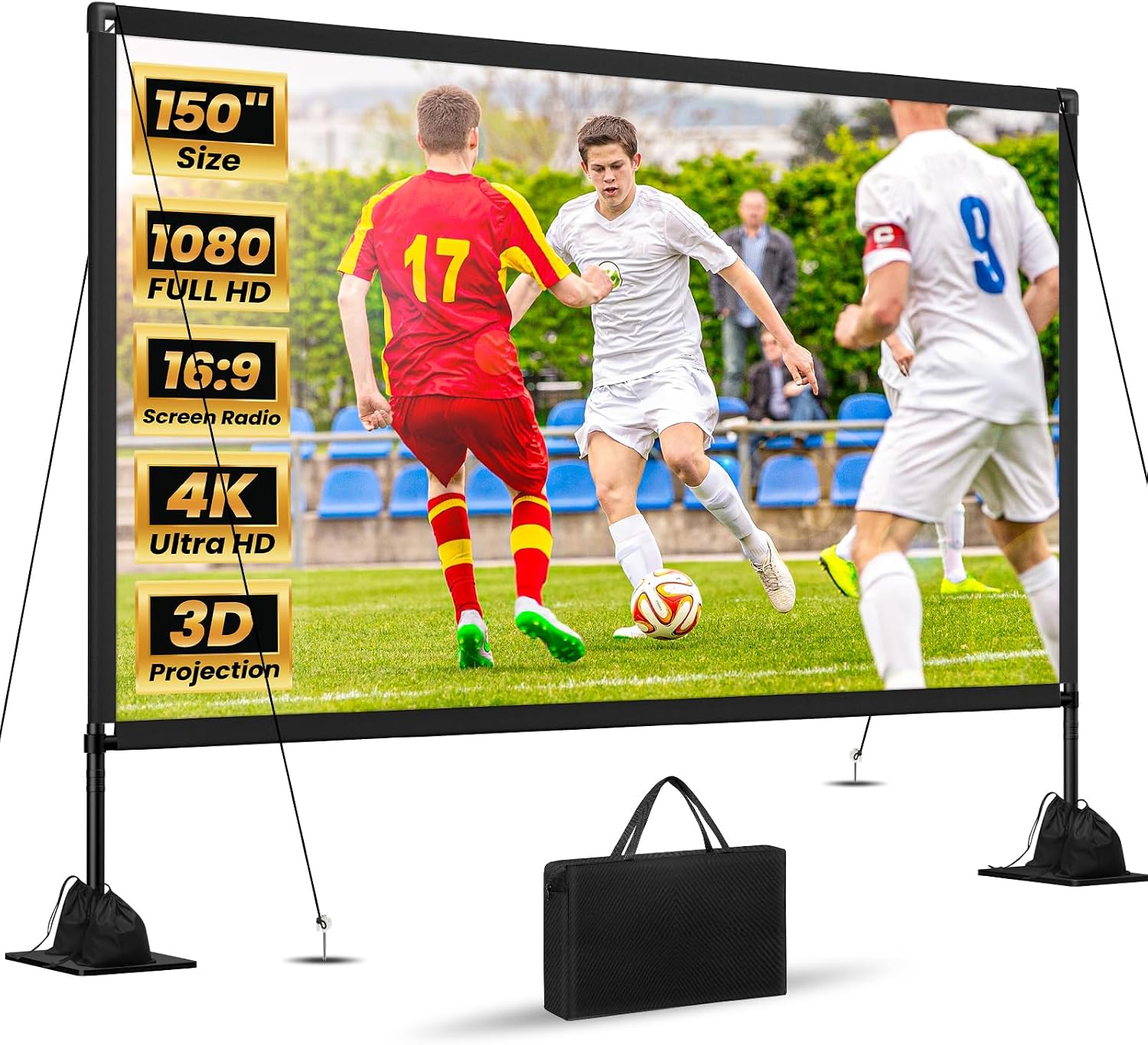 Visit on Amazon → Visit on Amazon →Projector Screen 150 Inch |
Surface | Black level, brightness perception, a defined frame | $119.99 |
How I would sequence the purchase
If you are buying this over a few months instead of all at once, buy in this order. Sound first, because a great picture with mumbly dialogue is a worse experience than a mediocre picture with clear dialogue. Every installer knows this and almost no buying guide says it. Screen second, because it is the smallest line item and the largest visible improvement per dollar. Projector third, and pick between the two based on your room, not your budget. Short throw and portability for the outdoor model, ceiling mount and more claimed output for the step-up.
Then do the unglamorous work. Sweep the room with a measurement mic if you have one. If you do not, at least move the sub, raise the bar to ear height, and set the projector to its cinema preset and leave it there. Most bad sound is placement, not product. Most bad picture is a preset, not a panel.
Should you buy the Sony BRAVIA Theater Trio?
Yes, if you watch more television than movies and you are tired of leaning forward to catch dialogue. The three-unit design gives room correction somewhere to work, which is the difference between a system that fixes your room and one that just fudges the curve. Place it at ear height, run the correction from your actual seat, and move the sub yourself before you decide anything. Check current Amazon price and treat the setup afternoon as part of the cost.
Should you buy the Smart Projector 4K or the Outdoor-Projector-4K?
Pick the short throw model if your room is small, your setup moves between indoors and outdoors, or you want one box that does streaming, audio, and picture. Pick the ceiling model if the projector is going up permanently and your room has windows, because more claimed brightness is the one thing you cannot add later. Neither of them replaces a calibrated display in a light-controlled room, and neither of them should be judged on the brightness number on the box. That number is marketing. Your eyes, in your room, are the measurement that counts.
Should you buy the Projector Screen 150 Inch?
Yes, and buy it before you buy the projector if the budget is tight. A screen is a repeatable surface with a black border, and that border changes how your eye reads contrast on the same projector. It is the least exciting purchase in this list and probably the one that changes the picture most. Measure your wall first, confirm 150 inches actually fits your seating distance, and then spend the money you saved on the sound side.