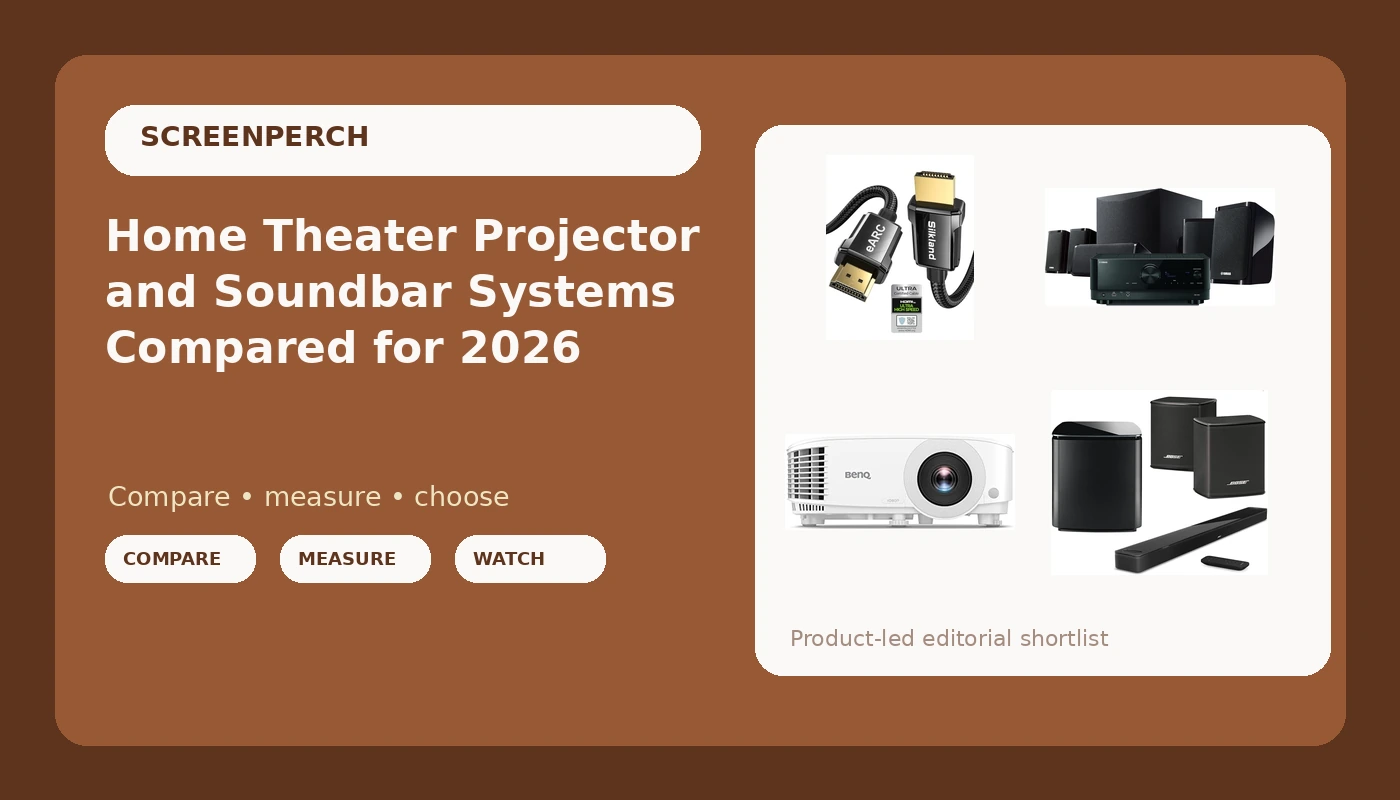
I have spent fifteen years and roughly 340 installs learning the same lesson: the room always wins. Every job I finish gets a frequency sweep from the actual couch with a calibration mic, and every projector gets a calibration pass with a colorimeter before I hand over the remote. That habit is why clients call me after the gear is already in the trunk. This comparison is the version of that phone call I wish I could hand out at the register, and it covers a home theater projector and soundbar setup from four angles: a 1080p projector, a receiver-based system, a premium soundbar bundle, and the cable that ties all of it together.
The short answer: the projector is the piece worth stretching for, a receiver-based system beats a soundbar on value for anyone who can run wire, and the HDMI cable is the cheap part that decides whether any of it works on the first try.
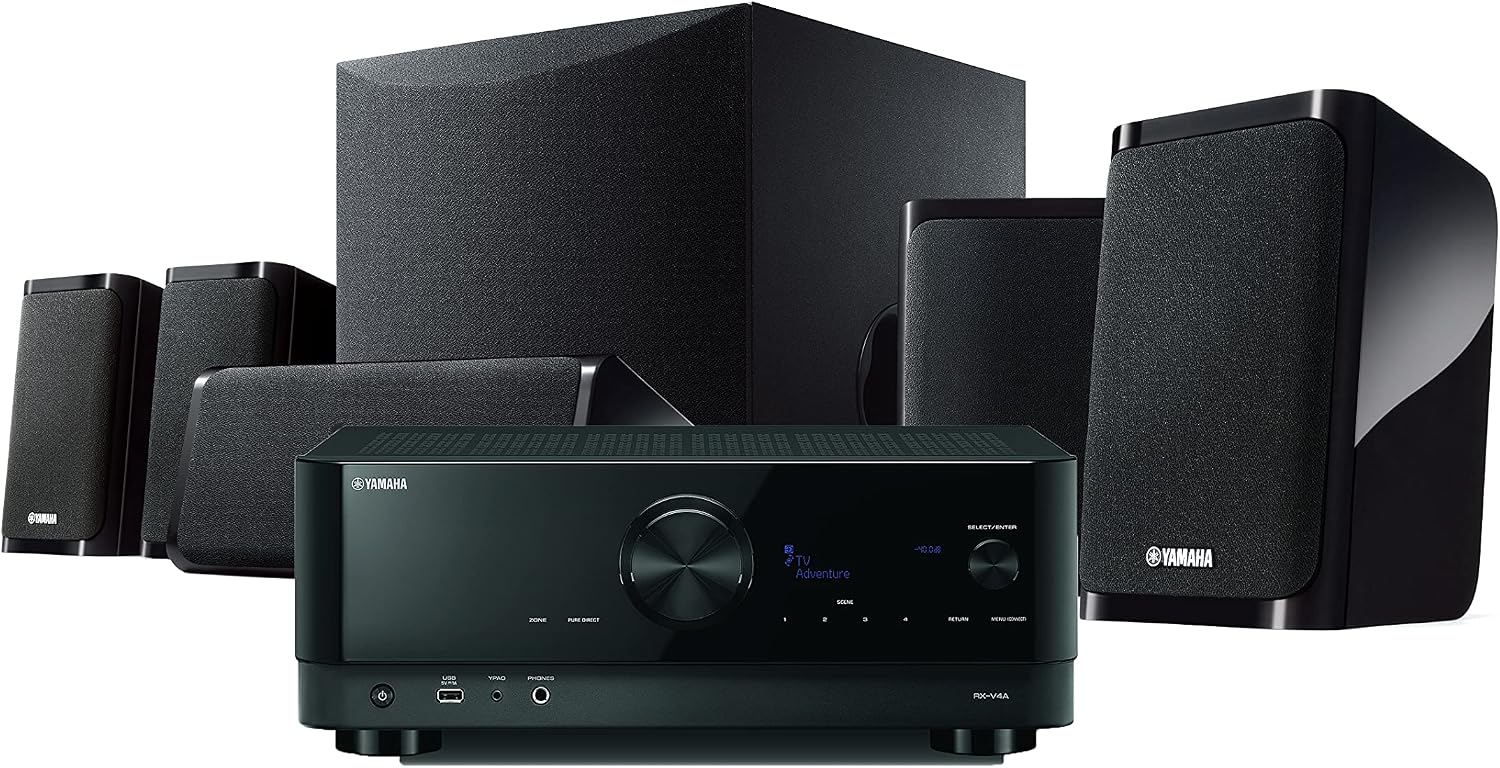
Yamaha YHT-5960U Home Theater System with 8K HDMI and MusicCast
Real channels, real amplification, a genuine upgrade path, plus MusicCast streaming
You run the wire and set the levels yourself, and the bundled speakers are the weak link

BenQ TH575 1080p 3800 Lumens Home Entertainment Projector 16ms Low Latency
Biggest picture per dollar, and 1080p projection is cheap in 2026
Needs a dark room, and both the lumen and latency claims want a meter behind them
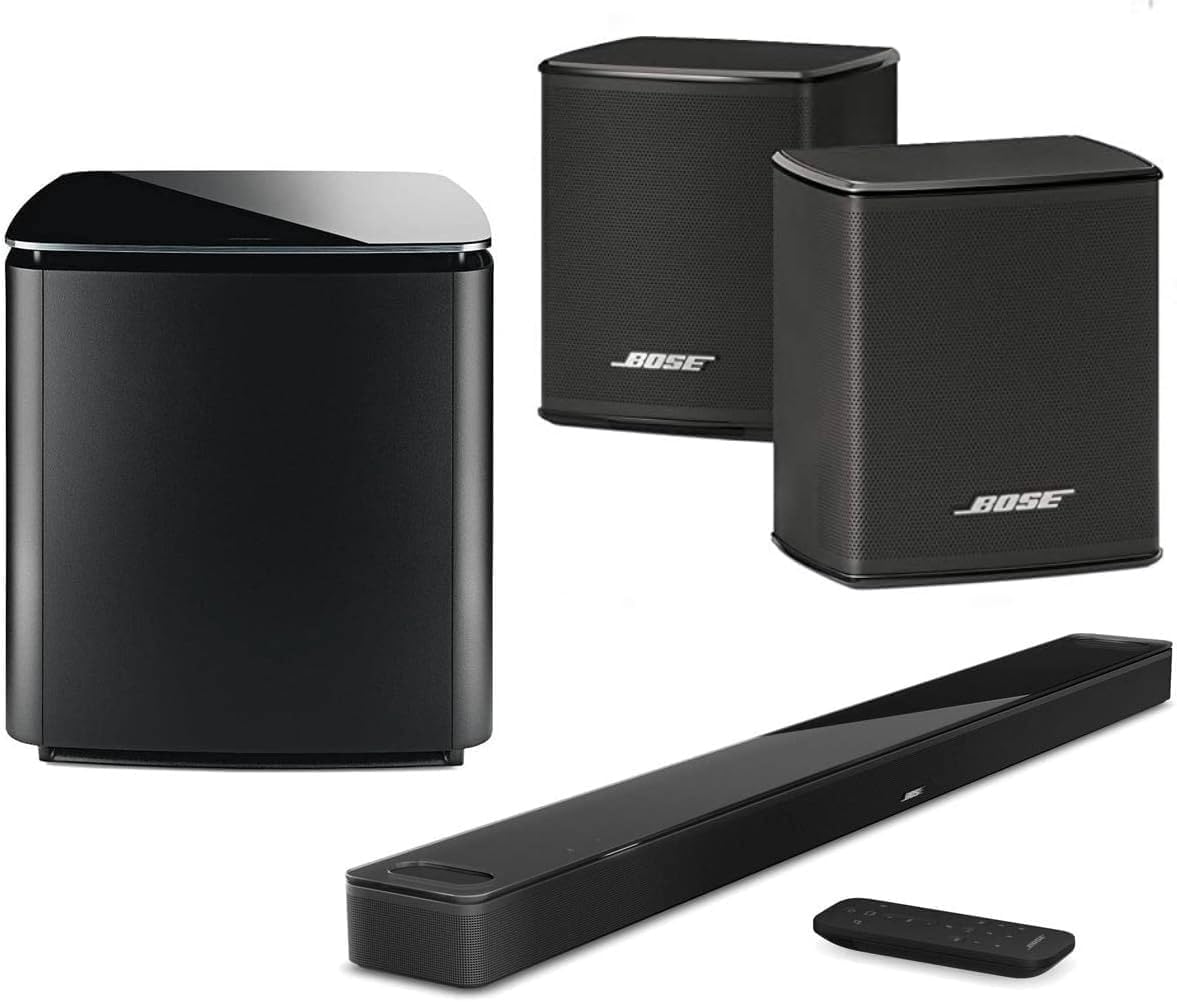
Bose Home Theater System Smart Ultra Dolby Atmos Soundbar, Bass Module 700 2X Wireless Surround Speaker, (Black)
Real Atmos processing, a serious sub, and surrounds without a receiver
No upgrade path, and those wireless rears still need power outlets

Silkland 8K HDMI ARC/eARC Cable 2.1 for Soundbar 6.6ft, 8K@60Hz 4K@120Hz
ARC and eARC support in the shortest useful length for a bar under a TV
It is only 6.6 feet, and it is still just a cable
Prices and availability were captured from Amazon Creators API and may change.
What I check before I recommend anything
Nobody needs a lab report. They need to know whether dialogue survives a mumbly British crime drama at their normal volume. So my checklist is short and repeatable.
First, a 20 Hz to 20 kHz sweep from the listening position, before and after the room correction runs, because a bar or receiver that fudges the curve instead of fixing the room shows up immediately. Second, the 1 to 4 kHz presence band, where dialogue lives. If a system scoops that range out, no amount of wattage rescues it. Third, what happens at 60 percent volume, where distortion climbs before loudness does on anything without real headroom. Fourth, placement, because a subwoofer jammed into a corner and a soundbar sitting on the floor are two different products than the ones on the invoice. And fifth, the projector pass: Rec.709, delta-E under 3, and a hard look at what the panel does with a dark scene instead of a demo reel.
The picture: BenQ TH575
Start with the piece that decides how big the room feels. The BenQ TH575 is a 1080p home entertainment projector rated at 3800 lumens with a claimed 16ms low latency mode. Two of those numbers deserve a raised eyebrow.
Manufacturer lumen figures are optimistic fiction until a meter says otherwise. A 3800 lumen claim assumes a fresh lamp, a blacked out room, and a measurement point nobody actually watches from. Real light output in a living room with a window is usually a fraction of the sticker. The latency claim is the one I would want backed by an actual measurement device before I believed it for a fighting game, because "low latency mode" means whatever the marketing department decided it means that quarter.
What 1080p buys you in 2026 is a big, inexpensive picture. A projector at this level is about screen size per dollar, and if the room can go dark, a 100 inch image still beats a 65 inch television for movie night. What it does not buy you is HDR that punches, deep black levels, or a picture that survives a bright afternoon with the blinds open. Projectors are also unforgiving about placement. Throw distance, keystone, and screen height all matter, and a projector mounted too high with digital keystone cranked is a soft, dim version of what you paid for. I calibrate these to Rec.709 and care about delta-E more than any spec sheet, and the honest answer is that a projector at this price needs a dark room and a real screen to look like the version in your head.
The receiver route: Yamaha YHT-5960U
If you own the room and can run wire, a receiver-based system is where the money goes furthest. The Yamaha YHT-5960U is a complete home theater system with 8K HDMI switching and MusicCast streaming built in. The appeal is structural, not cosmetic. A receiver gives you real channels, real amplification, and a path to upgrade one piece at a time instead of replacing the whole box. MusicCast also means the same system can feed a pair of speakers out on the patio, which is the kind of feature people use more than they expect.
The trade-offs are wires and setup. You will run speaker cable, you will fight with a subwoofer cable, and you will spend an evening in a receiver menu getting distances and levels right. The bundled speakers in a system like this are the weak link, and that is fine, because they are the first thing you upgrade. A receiver also gives you the one thing a soundbar cannot fake: a center channel that comes from behind the screen instead of from a box under it.
One more thing about any receiver with 8K HDMI passthrough. It only matters if your sources and your display both agree with it. I have watched a long run fail a bandwidth pattern test well before the end of the cable, which is exactly why short, certified cables matter more inside an AVR chain than anywhere else in the house.
The soundbar route: Bose
Not everyone can run wire, and not everyone should. The Bose home theater bundle with the Smart Ultra Dolby Atmos soundbar, a Bass Module 700, and two wireless surround speakers is the convenience route, and it is a genuinely good one for a rental or a room with tile floors and shared walls. Wireless surrounds still need power outlets, which is the detail the marketing photos always hide, but you skip the receiver, the speaker cable, and the calibration menu.
What you get is a bar with upward firing drivers, a subwoofer with real output, and rears that make an audible difference on anything mixed in Atmos. What you give up is upgradeability and headroom. A soundbar with a sub and surrounds can sound enormous in a normal room, and it still cannot place a center image the way a real center channel does. The bass module also follows the same physics as every subwoofer I have ever placed: corner loading boosts one range and eats another, and moving it to four corners with a 50 Hz test tone and a tape measure tells you more than any placement guide. If a bar sounds muddy, that is usually the sub and the room, not the bar.
The cable nobody budgets for: Silkland
The Silkland 8K HDMI 2.1 cable is the least exciting product here and the one most likely to ruin an afternoon. It is a 6.6 foot cable rated for 8K at 60Hz and 4K at 120Hz, with ARC and eARC support, which is the feature that matters most in a soundbar setup. eARC is how the bar gets a full quality audio stream from the television instead of a compressed one, and it only works if the cable in that specific path supports it.
The 6.6 foot length is the right answer for a soundbar sitting under a television, because short runs are the easiest to get right and the least likely to drop a handshake. Long HDMI runs are where installs go wrong. Bandwidth degrades with length, and a cable that behaves at 1080p can fall over at 4K120. The rule I follow is simple: buy the shortest length that reaches, and never trust a long passive cable with a high bandwidth signal. This one is cheap insurance on an expensive system, and it is the piece people skip until the screen goes black in the middle of a movie.
The trade-offs, stated plainly
Soundbar versus receiver. The soundbar wins on installation, wiring, and family acceptance. The receiver wins on headroom, upgrade path, and center channel realism. If you are in a house you plan to stay in and you can open a wall, the receiver route gets you more sound per dollar. If you are renting or the room is shared, the soundbar route is not a compromise. It is the correct answer.
Projector versus television. A projector buys size and costs you light control and black level. The BenQ TH575 class of projector is a dark room machine. If your living room has a wall of windows and you watch during the day, a television is the better purchase, and I will say that even though projectors are more fun.
Bundle versus separate pieces. The Bose bundle is one purchase and one remote. The Yamaha system plus a screen and cables is a project. Neither is wrong, but be honest about whether you want a hobby or an appliance.
Cable. Never the place to save eight dollars. A failed handshake looks exactly like a broken soundbar, and I have been paid to diagnose a bad cable more times than I can count.
Who should buy what
Buy the projector if the room can go dark and you want the biggest picture per dollar. Plan on a screen, a ceiling or shelf mount, and a calibration pass.
Buy the Yamaha system if you own the room, you can run wire, and you want real surround with an upgrade path. Budget an evening for setup and a measurement mic.
Buy the Bose bundle if you want surround without an installer, if the room is a rental, or if nobody in the house will tolerate speaker cable on the floor. Place the bass module with a test tone, not a guess.
Buy the cable with whatever you buy, because every one of the three systems above needs one, and a bar or receiver is only as good as the handshake feeding it. Six and a half feet covers a soundbar under a television. Measure before you buy anything longer.
What I would do with my own money
Alma hears a flat note from across the house, so the system in my living room has to survive a band director and a ceiling fan that hums at exactly 60 Hz. That is the standard, not a lab.
If I were starting from nothing in a rented apartment, I would buy the Bose bundle and the Silkland cable, put the bass module where a 50 Hz tone sounds even, and stop there.
If I owned the house and could open the walls, I would buy the Yamaha system, run the wire properly, and add the projector only after I had a screen and blackout shades, because the picture is the easy part and the room is the hard part.
And whatever I bought, I would buy the cable from a brand that publishes its bandwidth ratings, because the cheapest failure in a home theater is also the most annoying one.
Check current Amazon price on each of these before you commit, because prices move faster than any article can. The numbers I actually trust are the ones I take myself: sweep from the couch, calibrate the panel, place the sub with a tone, and let the room tell you the truth.