Related: Projector Throw Distance: How to Measure Before You Buy
Most people build a home theater projector setup backwards. They buy the projector first, mount it wherever the joist happens to be convenient, run whatever cable is already in the wall, and then wonder why the picture looks soft and the dialogue sounds like it is coming out of a pillow. I have pulled wire through 105°F Austin attics for fifteen years, and I will tell you the order you buy things in matters more than the logos on the boxes.
This guide covers the four pieces that make a projector room work: the projector, the mount that holds it, the cable that carries the signal, and the speakers that carry the sound. Get those four right and a modest system will embarrass an expensive one assembled in the wrong order. Get them wrong and no amount of DSP will save you. Pricing on all of it moves around, so check current Amazon price before you commit to a list.
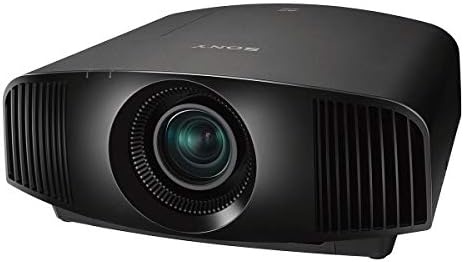
Best Overall: Sony VW325ES 4K HDR Home Theater Projector
The projector is the anchor of the whole system. Everything else in the room either supports it or fights it, and this Sony is the piece I would build a dedicated room around. It is a native 4K HDR home theater projector, which means the resolution is actually there instead of being faked with a pixel-shift trick, and 4K HDR content lands closer to the way it was graded.
The catch is the room. A projector at this level in a space with white walls, a window behind the couch, and a ceiling fan humming at exactly 60 Hz is money set on fire. Light control is not an accessory, it is half the purchase. If you cannot get the room dark, buy a good TV and spend the difference on speakers and a screen.
Then there is throw distance. Before you buy any projector, measure from where the lens will sit to where the screen will hang, and confirm the image size you want fits that distance inside the zoom range. Getting this wrong is the most common mistake I fix on a service call, and it usually ends with a projector mounted eight inches too far back and a screen that will not fill.
Calibration matters too. When I finish a projector install it gets an i1Display Pro pass in Calman, and I chase delta-E under 3 in Rec.709. Out of the box, most projectors, including expensive ones, do not get there. If "cinema-grade color" is a claim on the box and not a number on a chart, treat it as marketing until somebody proves it.
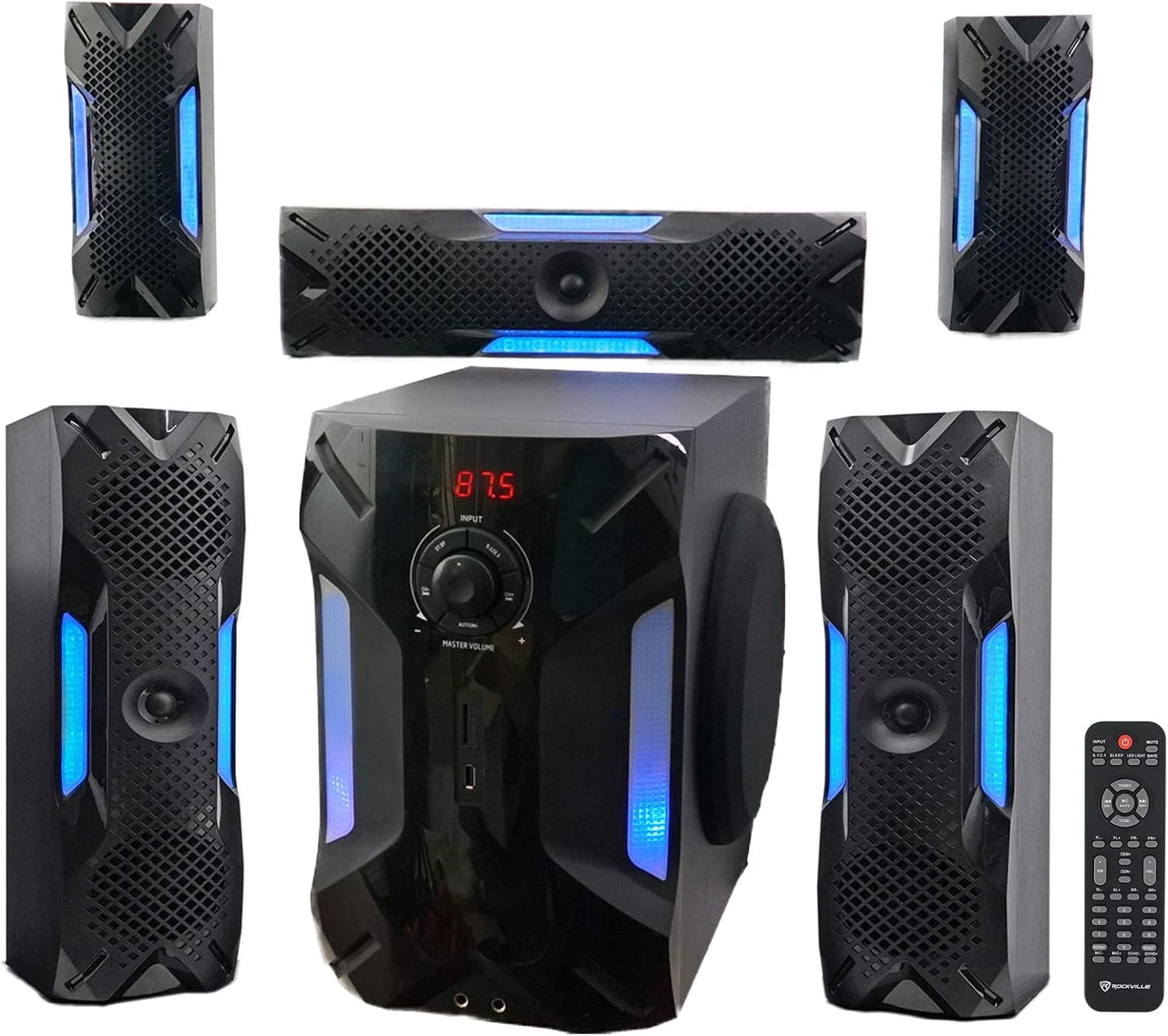
Best Value: Rockville HTS56 5.1-Channel Bluetooth Home Theater System
Sound is where most projector rooms fall apart, because people spend everything on the picture and then run the audio through the projector's built-in speaker. This Rockville set is the budget answer: five discrete channels plus an 8 inch subwoofer, which is a fundamentally different thing from a soundbar pretending to bounce sound off your ceiling.
Discrete channels mean discrete placement, and placement is where the performance actually lives. Front left and right at ear height, angled in toward the couch. Center channel as close to the screen as the furniture allows, because that is where dialogue comes from. Surrounds at ear height or a touch behind, not up near the ceiling where half the audience sits in a null. If a speaker is in the wrong spot, no calibration mic on earth can fully rescue it.
The subwoofer is the one piece you should move with a tape measure instead of a marketing diagram. Play a 50 Hz sine, walk the room, and put the sub where it sounds most even at the listening position, not where the corner happens to be empty. Corners give you output and boom in equal measure, and boom is what makes people think their sub is bad.
Here is the honest part, and it costs me sales: if you are building a dedicated theater room with space to place real speakers, buy real speakers. A 5.1 package at this price is the right call for a living room, a bonus room, or a first setup where the alternative is a soundbar. It is not the right call for a treated room where the picture already cost four figures. Check current Amazon price and do the math against a comparable bar plus sub, because that comparison usually surprises people.
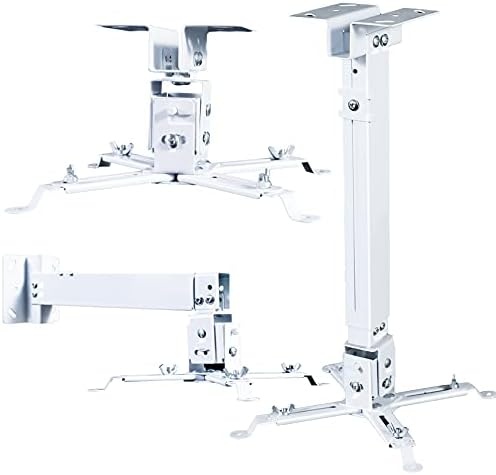
The Mount: Projector Ceiling/Wall Mount, Low Profile Universal Kit
The mount is the least glamorous purchase on this list and the one that decides whether your install looks clean or becomes a permanent argument. This is a white low profile universal bracket with an extendable arm, an adjustable drop pole, and a quick release, sized for the common Epson, Optoma, and BenQ footprints.
Two things to verify before you buy. First, the mounting hole pattern on your projector has to match the arms, and the mount's weight rating has to cover your projector with margin. Second, and this is the step people skip, the drop pole length has to put the lens where the screen wants it. If your ceiling is high and the screen top is low, a short mount leaves you aiming the lens down and correcting with keystone, which throws away resolution. Keystone is a bandage. Geometry is the fix.
The quick release earns its keep on install day and every day after. You will re-terminate a cable, clean a lens, or swap a filter at some point, and being able to drop the projector in thirty seconds instead of unbolting it from the ceiling is worth real money. It also means you can hang the mount, level it, and then attach the projector, which is far easier than holding both overhead while you fish for bolts.
If you rent, the wall option in this kit gives you a path that does not involve drilling a ceiling joist, as long as you hit a stud. Drywall anchors holding a projector is a bad combination no matter what the package claims.
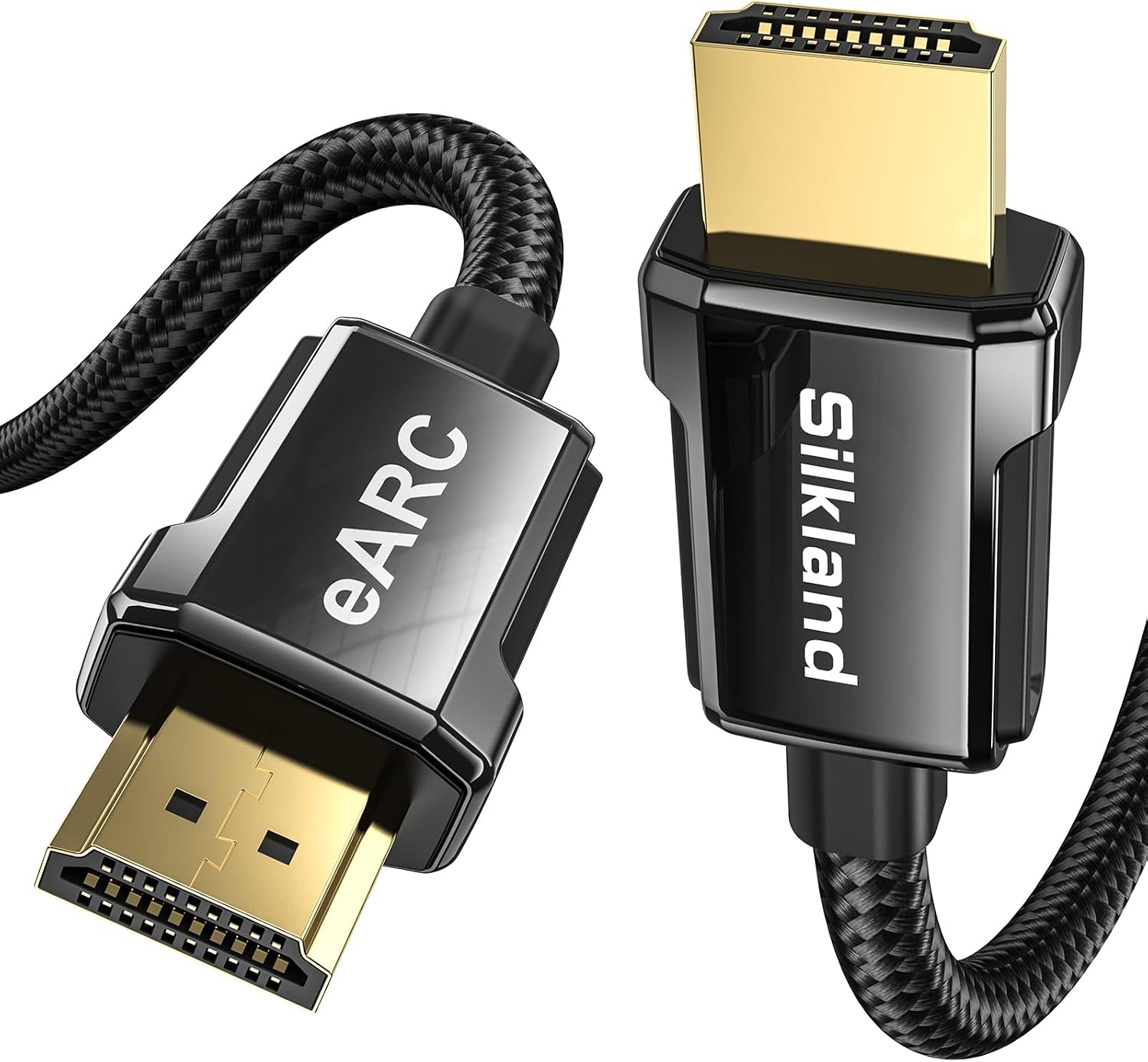
The Cable: Silkland 8K HDMI ARC/eARC Cable 2.1
Cables are where the internet argues and where installs actually fail. This Silkland is a 6.6 foot 8K HDMI 2.1 cable rated for 8K at 60Hz and 4K at 120Hz, with ARC and eARC support, which makes it the right piece for the short run between a display and a soundbar or receiver.
Read the length, though, because 6.6 feet is short on purpose. This is an interconnect, not an in-wall run. If your projector is on the ceiling and your receiver is in a cabinet on the far wall, you need a different cable, and you need to think about it before the drywall goes up. I just fought a 30 foot run that failed a 48 Gbps pattern test at the 24 foot mark, and I am on my third re-termination. Long HDMI runs at full bandwidth are genuinely difficult, and the failure mode is not a dead picture, it is an intermittent dropout you will blame on the projector.
For the soundbar or receiver connection, eARC is the feature that matters. It carries the higher-bandwidth audio formats over the same cable, so you are not downmixing your movie to stereo because an old cable could not keep up. Buy the certified short cable for that job and keep it simple.
Also, do not buy a cable you cannot test. Plug it in, run a pattern, and confirm the handshake before it disappears into a wall. A cheap tester saves an expensive service call.
How I set up a projector room
I do not review a room I have not measured. Every install gets a UMIK-1 sweep in Room EQ Wizard from the actual couch, before and after whatever room correction the gear runs, and the projector gets an i1Display Pro pass in Calman. Those numbers go into a spreadsheet that has been running since 2016 with more than 400 entries.
What I will not do is hand you a number for a room I have never stood in. Your room is not my room. Your ceiling fan, your tile floor, your couch position, and the fact that your kitchen is open to the left of the screen all change the result. The process travels, the numbers do not.
So the order I use: mount and screen geometry first, so the image is right before anything gets calibrated. Then speaker and sub placement, with the sub moved to a few positions and checked at the listening position. Then room correction on, and a sweep to confirm it helped instead of fudging the curve. Then projector calibration last, because you want the room settled before you chase color.
That order is not glamorous and it is not fast. It is also the difference between a room that measures well and a room that only looks good in a photo.
The reference table
| Component | What it does | Buy it when | Notes |
|---|---|---|---|
 Visit on Amazon → Visit on Amazon →Sony VW325ES projector |
The picture | You have real light control and a room that can go dark | Native 4K HDR, the anchor of the system |
 Visit on Amazon → Visit on Amazon →Rockville HTS56 system |
The sound | You want five real channels and a sub without flagship money | Placement decides performance, not the price tag |
 Visit on Amazon → Visit on Amazon →Projector mount |
Holds the projector | Almost always, unless you are shelf mounting at the right height | Verify hole pattern, weight rating, and drop length |
 Visit on Amazon → Visit on Amazon →Silkland HDMI cable |
Carries audio and video | Short run between a display and a soundbar or receiver | 6.6 ft interconnect with eARC, not an in-wall run |
The table is the order I would buy in if I were starting from nothing: projector and mount first, because the geometry has to be right before anything else matters, then the cable for the short hop to the audio gear, then speakers. If you have to spread the purchases out over a few months, that sequence keeps the room usable at every stage.
Should you buy the Sony VW325ES?
Yes, if the room supports it. It is a native 4K HDR home theater projector, and it is the piece I would build a dark room around. If your walls are white and there is a window behind the couch, no projector at any price will look the way you want, and you should buy a good TV instead and put the savings into speakers and a screen.
The other thing to plan for is the install itself. A projector at this level deserves a proper mount, a properly measured throw distance, and a calibration pass once the room is finished. Buy it for the room you have, not the room you saw in a showroom. Visit on Amazon →
Should you buy the Rockville HTS56?
Yes, for a living room or a first setup where the alternative is a soundbar. Five discrete channels and an 8 inch sub, placed correctly, will beat a bar twice the price that is fighting a bad room. That is the trade this package makes, and it is the right one for most people reading this.
No, if you are building a dedicated theater with space for real speakers. I will say that every time, even when it costs me the sale. Check the price against a bar plus sub before you decide, because the gap is smaller than it looks. Visit on Amazon →
Should you buy the mount and the cable?
The mount is a yes as long as you check two numbers first: your projector's mounting hole pattern and its weight against the mount's rating, and the drop length you need to line the lens up with the top of the screen. Get those right and the quick release will pay for itself the first time you have to get back up there.
The cable is a yes for the short run to a soundbar or receiver, where eARC does the work that matters. It is a no for a long ceiling run to a projector, where you need a different cable and a test before it goes in the wall. Measure the run before you order, not after.