Related: Best Soundbar for Dialogue: What the Presence Band Actually Tells You
Most people build a home theater setup backwards. They buy the biggest screen the budget allows, plug it into whatever soundbar was on sale that week, and then spend a month wondering why dialogue sounds like it is coming from inside a paper bag. I have spent fifteen years installing this gear in Central Texas, and the failure is almost never the product. It is the order of operations.
A home theater setup is really four decisions: something that makes pictures, something that makes sound, something that feeds both of them, and a plan for where all of it lives. The four pieces below cover those decisions at very different budgets. Each section ends with the thing I check before I let a client keep the box, and none of it requires a dedicated media room. Most of us are working with a living room, a ceiling fan, and a spouse who hears a flat note from the kitchen.
One rule before we start. I do not publish a number I have not put a microphone in front of. Every soundbar that comes through an install gets a sweep from the actual couch, not from a lab stool, and every projector gets calibrated before I say a word about its color. That habit has cost me sales and saved me callbacks.
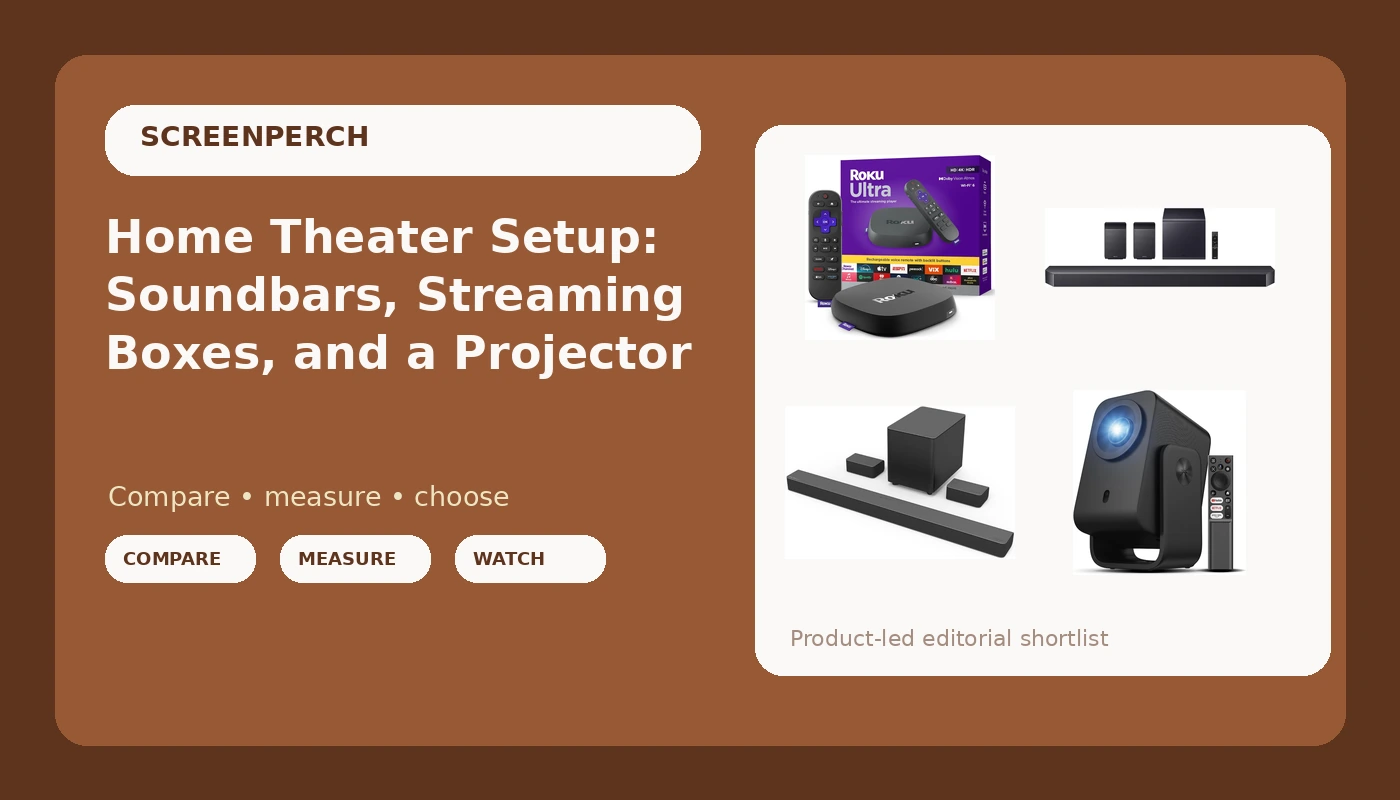
Samsung Q990F: The Bar for a Room That Wants Real Channels
The Q990F is the one bar here that is honest about what it is. The model name is not decoration: 11.1.4 channels, with a wireless subwoofer and rear speakers in the box, plus Dolby Atmos, Q-Symphony, Game Mode Pro, and Adaptive Sound. Height channels and rears are the difference between a bar that simulates a room and a bar that fills one.
Channel count changes what you can hear. A standard bar collapses the mix into a plane in front of your face. Give the mix height and rear channels and it has somewhere to go, which is why a well-placed Atmos track stops sounding like a wall of noise and starts sounding like a space. Q-Symphony matters only if you own a compatible Samsung TV, because it lets the TV speakers join the bar instead of sitting there idle. No Samsung TV? Ignore that feature and judge the bar on its own.
Placement is where these get wasted. The bar belongs at ear height, not on the floor and not tucked into a cabinet. The rears belong slightly behind and above your head, angled inward, not aimed at the ceiling. The sub goes where it sounds best, which is not automatically the corner with the outlet. Move it through two or three spots with one bass-heavy track and keep the position where the low end stays even instead of blooming.
VIZIO M51a-H6: The Bar for a Normal-Sized Room
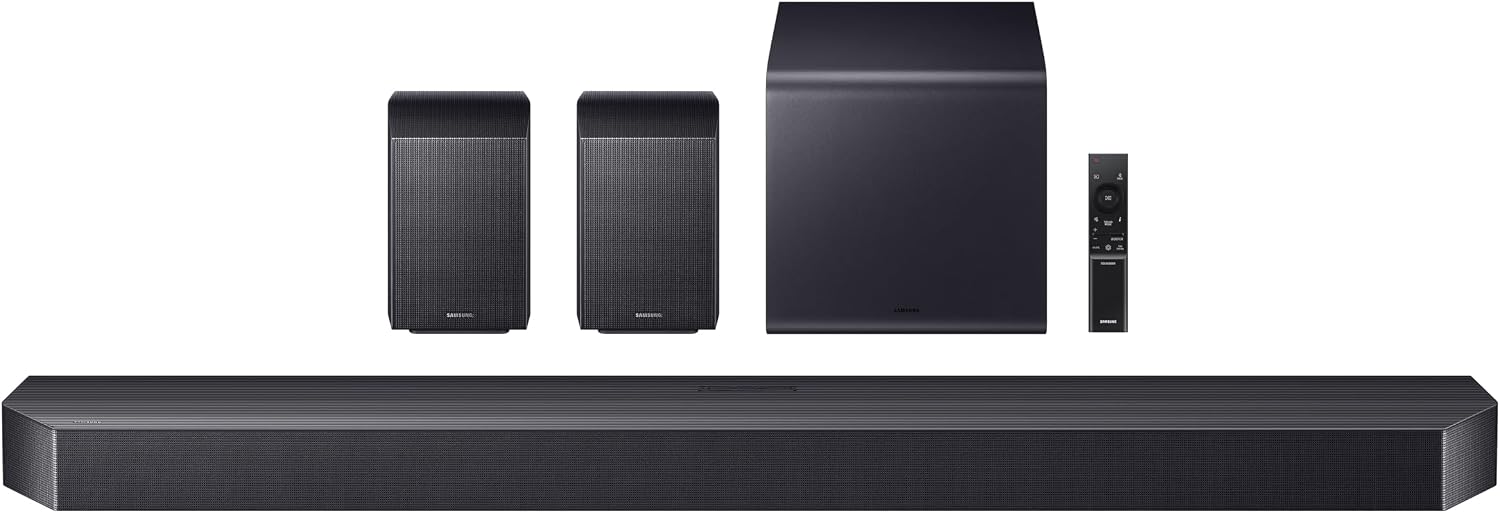
This is the 36 inch M-Series 5.1 system with Dolby Atmos and DTS:X, and it is what I recommend when someone describes an apartment, a smaller living room, or a partner who does not want speakers behind the couch. Surrounds are included, the sub is wireless, and the whole package is sized for a space where a full height-channel rig would be absurd.
Here is the catch, and it is the same one I give every client with a bar in this class: leave it in standard mode. Surround presets on this kind of hardware tend to push the midrange forward, and the midrange is where dialogue lives. A preset that sounds bigger in a demo clip is often the exact preset that makes a mumbly British crime drama unintelligible. Start flat, then adjust.
DTS:X support is a bigger deal than the spec sheet suggests if you own discs. Plenty of Blu-rays ship DTS:X instead of Atmos, and a bar that handles only one format will quietly downmix the other. If your library is streaming only, this matters less, but it is worth knowing before you compare two bars on price alone.
Roku Ultra: The Box That Ends the Smart TV Argument
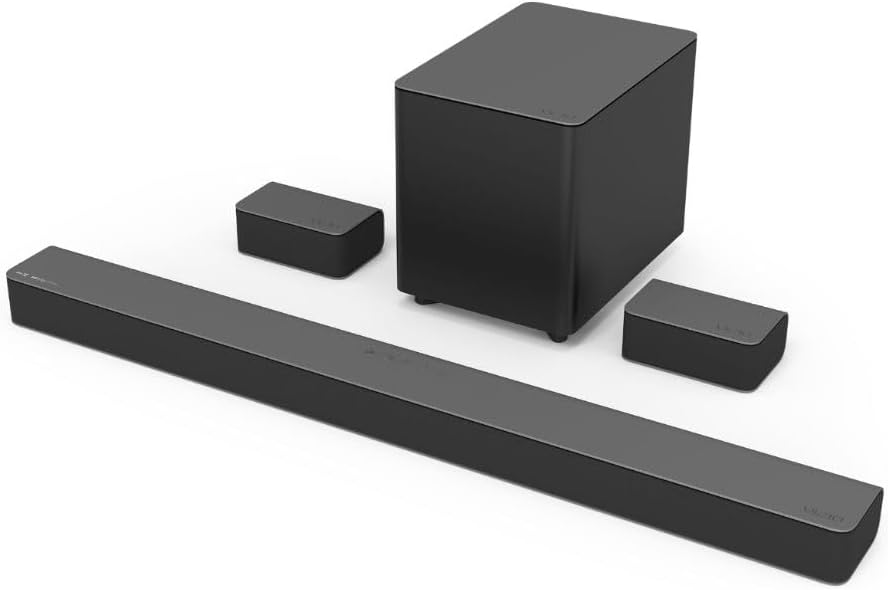
Every TV sold today has apps built in, and every one of those app platforms will be abandoned or slowed down long before the panel dies. The Roku Ultra is the fix: a 4K streaming player that turns any HDMI input into a consistent interface, with the same remote and the same layout no matter which screen it is plugged into.
I put this in a home theater list rather than a cord-cutting list for one reason: the wired Ethernet port. Streaming is the part of a home theater setup that fails quietly. A 4K stream that drops to a softer bitrate still looks like a picture, so nobody notices until they compare it side by side with a disc. If your router sits anywhere near the TV, run a cable. It costs almost nothing and removes an entire category of "why does this look soft" from your life.
The other quiet benefit is longevity. When the TV's built-in apps stop getting updates, the box keeps working, and a box is far cheaper to replace than a panel.
TCL C1: The Projector for Rooms That Are Not Theaters
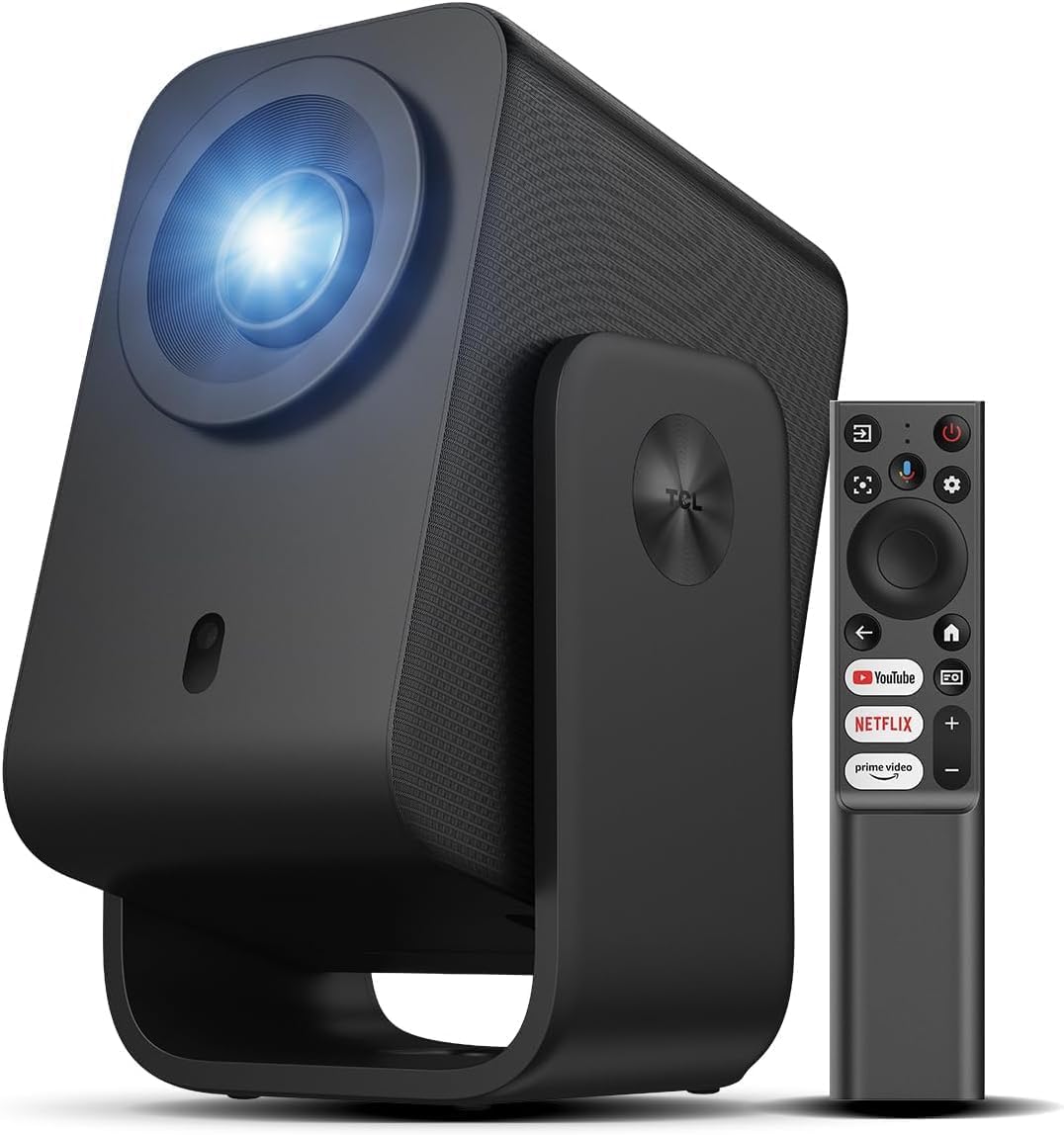
The C1 is a smart Google TV projector with WiFi, Bluetooth, and a 285 degree rotating gimbal. That gimbal is the whole pitch, and it is a good one. The projector can sit on a shelf, aim at a wall, and then swing to a different wall or the ceiling without a mount, a ladder, or a conversation about drilling into a rental.
A projector in this class is a compromise machine, and you should know which compromises you are accepting. Ambient light is the big one. It will look its best in a dark room, and a room with big unshaded windows will look washed out at two in the afternoon. No calibration fixes that; only curtains do.
The gimbal also invites sloppy placement. Swing it wherever you like, then run the keystone correction and check the geometry against a grid pattern, because a slightly trapezoidal image is the most common thing I see in projector setups and the most annoying thing to unsee. Google TV built in means you do not strictly need the Roku, though plenty of people run both. Internal apps are convenient; a dedicated box is usually faster and gets updates longer.
What I check before I recommend anything
Four things, every time, in this order.
First, the sweep. A calibration mic at the listening position, a 20 Hz to 20 kHz signal, and a look at where the room put its dips and humps before any processing runs. Second, the same sweep after the bar's room correction does its work, because the useful question is whether the DSP fixed the room or fudged the curve to look flat on a graph.
Third, the presence band. The 1 to 4 kHz range is where dialogue lives, and a bar that scoops it out will sound mumbly no matter what the wattage claims. Fourth, what happens as you push volume. Distortion is a measurement, not a sticker, and a bar that compresses and goes harsh before the sub gives up has the crossover and the amp budget backwards.
For projectors, the check is color. Rec.709 is the standard, and the honest test is whether skin tones stay skin tones after calibration instead of drifting orange or green. Every unit gets a calibration pass before I say anything about its picture.
And then the last check, which is not a measurement at all: does it survive a week in my living room, ceiling fan hum, kids' hands, and all. That is the test that matters most.
The home theater setup reference table
| Product | Best for | Spec that matters | Placement note | Price |
|---|---|---|---|---|
 Visit on Amazon → Visit on Amazon →Samsung Q990F |
Rooms that can support rear speakers | 11.1.4 channels with wireless Dolby Atmos and Q-Symphony | Bar at ear height, rears just behind and above the couch | $997.99 |
 Visit on Amazon → Visit on Amazon →VIZIO M51a-H6 |
Apartments and smaller living rooms | 5.1 with Dolby Atmos and DTS:X | Leave it in standard mode, not a surround preset | Check current Amazon price |
 Visit on Amazon → Visit on Amazon →Roku Ultra |
Anyone tired of a smart TV interface | 4K streaming with a wired Ethernet option | Wire it if the router is in the same room | $92.99 |
 Visit on Amazon → Visit on Amazon →TCL C1 |
Renters and rooms that are not media rooms | Google TV with a 285 degree rotating gimbal | Shelf or ceiling, then check geometry on a grid | $249.99 |
Should you buy the Samsung Q990F?
Yes, if the room can take rear speakers and you want a bar that behaves like a channel layout instead of a simulation of one. The included sub and rears mean you are not buying accessories later, and the 11.1.4 layout is the reason the Atmos mixes have somewhere to go. Get the placement right and it is the easiest recommendation in this guide. Tuck the rears in a corner and aim the bar at your knees, and you have spent a lot of money on a very expensive 2.0 system.
Should you buy the VIZIO M51a-H6?
Yes, for apartments, bedrooms, and living rooms where rear speakers would start a domestic negotiation. It is a real 5.1 setup with Atmos and DTS:X at a size that fits a normal wall. Just leave it in standard mode and stop auditioning the surround presets, because that is where the dialogue goes to die. If you want height channels and you have the space, step up. If you want honest surround in a room the size of a kitchen, this is the one.
Should you buy the Roku Ultra?
Yes, and it is the cheapest upgrade on this list by a wide margin. It replaces whatever slow interface your TV shipped with, it keeps working after the panel's apps stop updating, and it has the Ethernet port that makes 4K streaming reliable instead of merely possible. If you already own a streaming box you like, skip it. If you are still using the TV's built-in apps, this is the first thing I would buy.
Should you buy the TCL C1?
Yes, if your version of a home theater is a wall, a shelf, and a rotating gimbal rather than a dark room with blackout curtains. The gimbal genuinely solves the rental problem, Google TV handles the apps, and the price keeps it in the range of a decent television. Understand that ambient light is the enemy and that keystone correction is not optional, and it will do exactly what you bought it for.