Most home theater projects fail in the same order. The gear gets bought first, the room gets studied second, and the return window closes third. A home theater screen and sound setup is really two separate decisions stacked together: how big the picture should be and where the light comes from, then how many channels of sound your seating position can actually support. Get those backwards and you end up with a 150-inch image washed out by a west-facing window, or an eleven-channel surround system whose rear speakers sit six inches from somebody's ear.
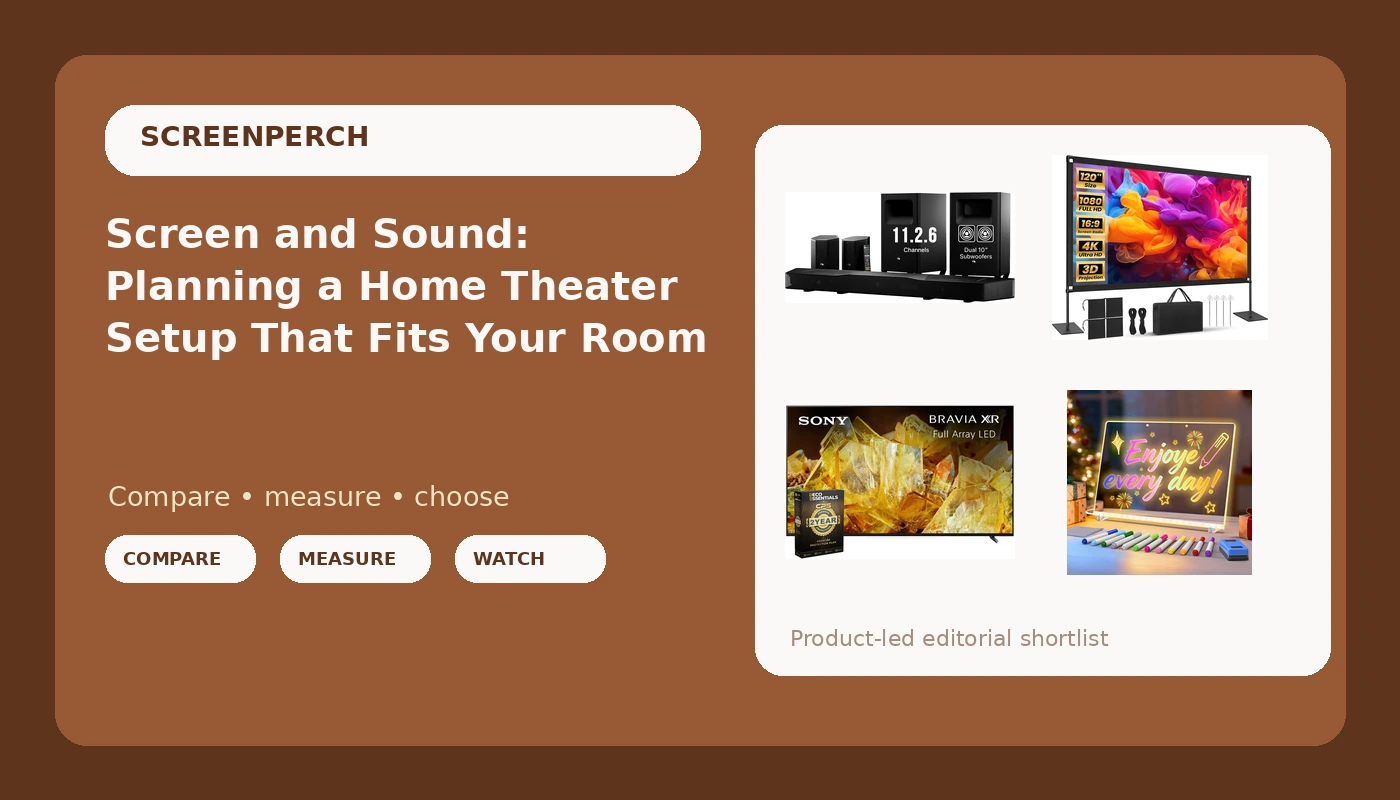
This guide works through four very different pieces of gear that show up in the same conversation: a full surround soundbar system with dual subwoofers, a 150-inch projector screen, a 75-inch 4K HDR television, and, because home theaters are usually family rooms, a light-up drawing board that keeps younger kids occupied while you run cable and calibrate.
Related: How to Place a Soundbar So Dialogue Stops Mumbling →
Quick answer
Decide the display first, because screen size and room light set everything downstream. A 75-inch TV suits a multipurpose room with windows, daytime viewing, and no plan for mounting a projector. A 150-inch projector screen suits a room you can darken, with enough throw distance and wall width to fill the image. For sound, a full 11.2.6 bar system only pays off when the seating sits far enough off the back wall for rear and height channels to have somewhere to live; otherwise you are paying for speakers that fire into a wall. After that, plan power, cable paths, and something to keep small kids busy during the install.
Four useful options
| Model | Best fit | What stands out |
|---|---|---|
| Nakamichi Shockwafe 11.2.6 Dolby Atmos/DTSX Surround Soundbar, Dual 10" Subs | Rooms with space behind and above the seating | An 11.2.6 channel configuration with dual 10-inch subwoofers and Dolby Atmos plus DTS:X decoding |
| Projector Screen 150 Inch | Light-controlled rooms where image size is the priority | A 150-inch screen that dictates the whole seating plan |
| Sony Bravia XR 75" X90L 4K HDR Full Array LED Smart TV XR75X90L (Renewed) Bundle with 2 Year Protection Plan | Multipurpose living rooms with mixed daytime and night viewing | A 75-inch 4K HDR full array LED panel, renewed, bundled with a 2-year protection plan |
| LED Drawing Board for Kids | Households with young kids in the room during setup and movie nights | A 13.7 x 10.6 inch erasable acrylic pad with 12 fluorescent markers, a stand, 4 modes and 7 RGB colors |
The room-filling sound option: Nakamichi Shockwafe 11.2.6 Dolby Atmos/DTSX Surround Soundbar, Dual 10" Subs
The trade-off with a system this size is placement, not power. Two subwoofers means two locations, and the honest way to choose them is to move one around the room with a low-frequency test tone until the bass sounds even from the main seat rather than boomy in the corner. Height and rear channels need clear paths to the listener; if the couch is flat against the back wall, those channels end up firing past your head or into drywall. This is also the point where I tell clients the truth: no bar, at any price, replaces a proper speaker layout in a dedicated room. In a living room with a ceiling fan and a shared kitchen, though, a bar system that decodes Atmos and DTS:X is the practical answer.
The big-image option: Projector Screen 150 Inch
A screen is a passive component, which is the part buyers forget. It reflects whatever the projector sends it, so image quality lives and dies with the projector, the ambient light in the room, and how far off-axis people sit. The screen's own contribution is size and surface. What I would check before buying: whether the wall is wide enough with margin on both sides, whether the ceiling height allows a projector mount without a fan blade cutting through the beam, and whether you can get the room genuinely dark at the hour you actually watch. If the answer to that last one is no, the image will look flat no matter how good the projector is.
The all-in-one display option: Sony Bravia XR 75" X90L 4K HDR Full Array LED Smart TV XR75X90L (Renewed) Bundle with 2 Year Protection Plan
Full array LED matters because the backlight sits behind the panel in zones rather than around the edges, which generally means more control over dark scenes and less light bleeding into letterboxed bars. The renewed status is the trade-off to weigh honestly: renewed units are inspected and resold rather than new in box, and the bundled protection plan is the cushion for that. Buyers should confirm the listing's own condition notes and warranty terms before ordering, and expect panel-to-panel variation to be part of the deal. For most households this is the lowest-risk path to a big, bright picture, and it frees the budget for sound.
The keep-the-kids-busy option: LED Drawing Board for Kids
This is the one item here that has nothing to do with frequency response or contrast ratios, and that is exactly why it belongs in the plan. Kids in a room where a 150-inch screen is being aligned will want to touch it. Giving them a lit pad of their own, on a stand, at their height, protects the display and shortens the install. It is also the sort of thing that gets used long after the calibration is done, during movie nights and road trips.
Prices and availability may change. Product images, names, and retailer links are matched to verified listings. No current price, rating, stock status, or measured result is stated here without current evidence.
Why the room sets the ceiling before the gear does
Every install I have done since 2019 started the same way: stand in the room, look at the light, and listen. The gear list comes after.
Start with light. A projector screen is a mirror for the room, so a window behind the seating, a glossy floor, or a white ceiling bounces light back onto the image and lifts the black level. You can fight that with curtains and a darker paint color, but you cannot defeat it with a spec sheet. A direct-view LED television such as the 75-inch Sony produces its own light, which is why it holds up in rooms where a screen simply would not.
Then look at the seating. The distance from the display to the main seat decides how much image you can comfortably take in, and it also decides how much room is left behind the couch. That gap is what a surround system needs. Rear channels, height channels, and subwoofer placement all live in that space. If the couch touches the back wall, the honest advice is fewer channels rather than more speakers firing into upholstery.
Finally, listen to the room itself. Hard floors and bare walls slap sound back at you and smear dialogue. A ceiling fan running at a steady hum can sit right in the middle of the low end and make a subwoofer sound wrong when it is perfectly fine. Bass piles up in corners, so a subwoofer tucked into one will measure and sound bloated compared to the same sub three feet out. None of that is a product defect, and all of it is fixable with placement and a rug.
What the numbers on the box actually mean
Manufacturers write channel counts as three numbers, and reading them correctly saves a lot of confusion. In the standard convention, the first number is ear-level channels, the second is subwoofer channels, and the third is height or overhead channels. So an 11.2.6 system like the Nakamichi listing describes eleven channels around the listener, two subwoofer channels, and six height channels. The height layer is what makes Dolby Atmos and DTS:X content feel like it is coming from above rather than from a wall in front of you, and it only works if those speakers are actually positioned above and around the seat.
Full array LED describes the backlight, not the resolution. It means the LEDs sit in zones behind the panel instead of along the edges, which gives the television more control over which parts of the picture are bright and which are dark. 4K is the pixel count, and HDR is the range between the darkest and brightest parts of the image. Those are three separate things, and a listing can be strong in one and ordinary in another.
Screen size is the simplest number of all and the one buyers over-trust. A 150-inch screen tells you nothing about brightness, contrast, or color accuracy, because those come from the projector. Renewed, meanwhile, describes condition and warranty terms rather than performance. Read the listing's condition notes and protection plan details carefully, because that is where the real differences between renewed units live.
None of these numbers survives contact with a room unmeasured. A spec sheet is a claim, and claims are optimistic until somebody puts a microphone or a colorimeter in front of the product in the actual space. That is why the decision sequence below puts the room first and the gear second.
How to sequence the decision
- Measure the wall, the ceiling height, and the distance from the wall to the main seat. These three numbers eliminate options before you spend anything.
- Check the light at the hour you actually watch. If the room is bright at that hour and cannot be darkened, favor a direct-view display over a projector screen.
- Count usable speaker positions. Walk the room and ask where rear and height channels would physically go, and whether power reaches them.
- Trace power and cable paths before mounting anything. Plan where the subwoofers, satellites, and display will plug in, and how the cable gets there without crossing a doorway.
- Plan for the people in the room. Kids, pets, and shared living space decide more installs than any specification does.
Practical guidance for install day
- Put the display on the wall you can control light on, even if it means rearranging the furniture around it.
- Leave at least a couple of feet behind the main seating if you want rear channels to do anything useful.
- Place subwoofers by ear with a test tone, moving one at a time, rather than by what looks tidy.
- Start the soundbar in its standard mode and fix placement before you start stacking surround processing on top of it.
- Buy the protection plan question up front on renewed gear, and confirm the terms in the listing before ordering.
- Keep a separate activity at kid height so nobody treats the screen as a toy.
Which option should you choose?
Choose the Nakamichi Shockwafe 11.2.6 Dolby Atmos/DTSX Surround Soundbar, Dual 10" Subs when the seating has space behind and above it, you want object-based surround without running wire to a receiver and five speakers, and you are willing to spend an afternoon placing two subwoofers. Choose the Projector Screen 150 Inch when the room can be darkened at viewing hours, the wall and throw distance can fill a 150-inch image, and image size matters more to you than daytime convenience. Choose the Sony Bravia XR 75" X90L 4K HDR Full Array LED Smart TV XR75X90L (Renewed) Bundle with 2 Year Protection Plan when the room is shared, the windows are not going anywhere, and you would rather turn the TV on than manage a projector. Choose the LED Drawing Board for Kids when young children share the room and you would like the install, and the movie nights after it, to go smoothly.
One caveat on all of it: these descriptions come from the product listings, not from a bench test in your living room. Screen performance depends on the projector paired with it, renewed condition varies by unit and by seller, and any surround system's result depends on where the speakers end up. Treat the numbers as a starting point and the room as the final word.
The bottom line
A home theater screen and sound setup works when the display matches the light in the room and the sound matches the space around the seating. A 75-inch 4K HDR television is the forgiving choice for a shared, windowed living room, while a 150-inch projector screen rewards a room you can darken. For audio, an 11.2.6 bar system with dual subwoofers delivers the most immersive result, provided the seating has room behind it for rear and height channels to work. Add a kid-sized distraction for install day, measure before you mount, and let the room, not the sticker, make the final call.